Workflow
Catch up after the weekend
Craft checks your inbox and Slack or Teams, then sends you a Monday-morning brief with what changed, what needs a reply, and where to focus first.
Try this in OnyxResearch, analyze, write, build, and present with the context your company already has. Explore practical ways teams can use Onyx Craft.
 Document
 Presentation
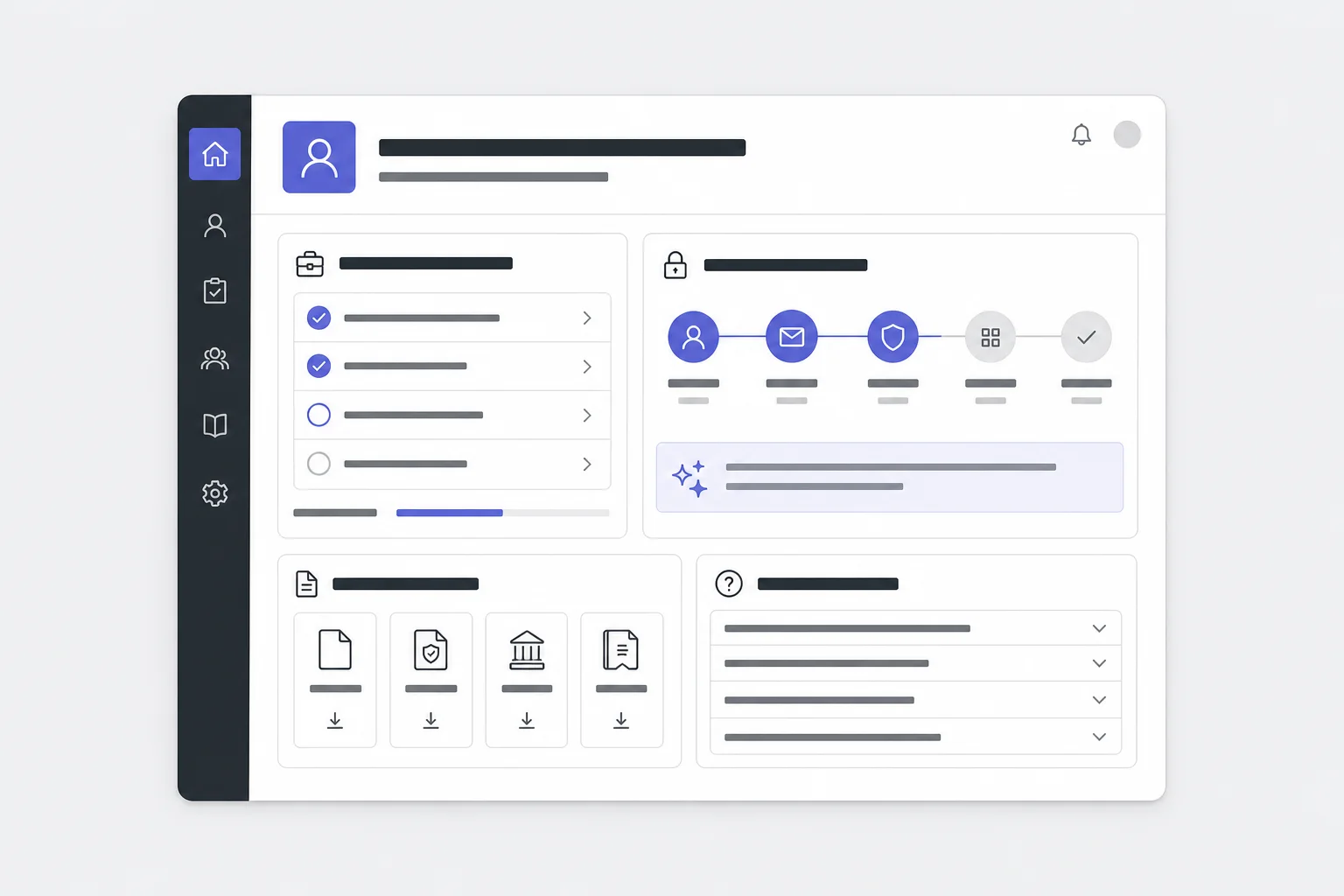 Web app
Connect the systems Craft should use, describe the outcome, and get finished work delivered in the format your team needs.
Craft checks your inbox and Slack or Teams, then sends you a Monday-morning brief with what changed, what needs a reply, and where to focus first.
Try this in Onyx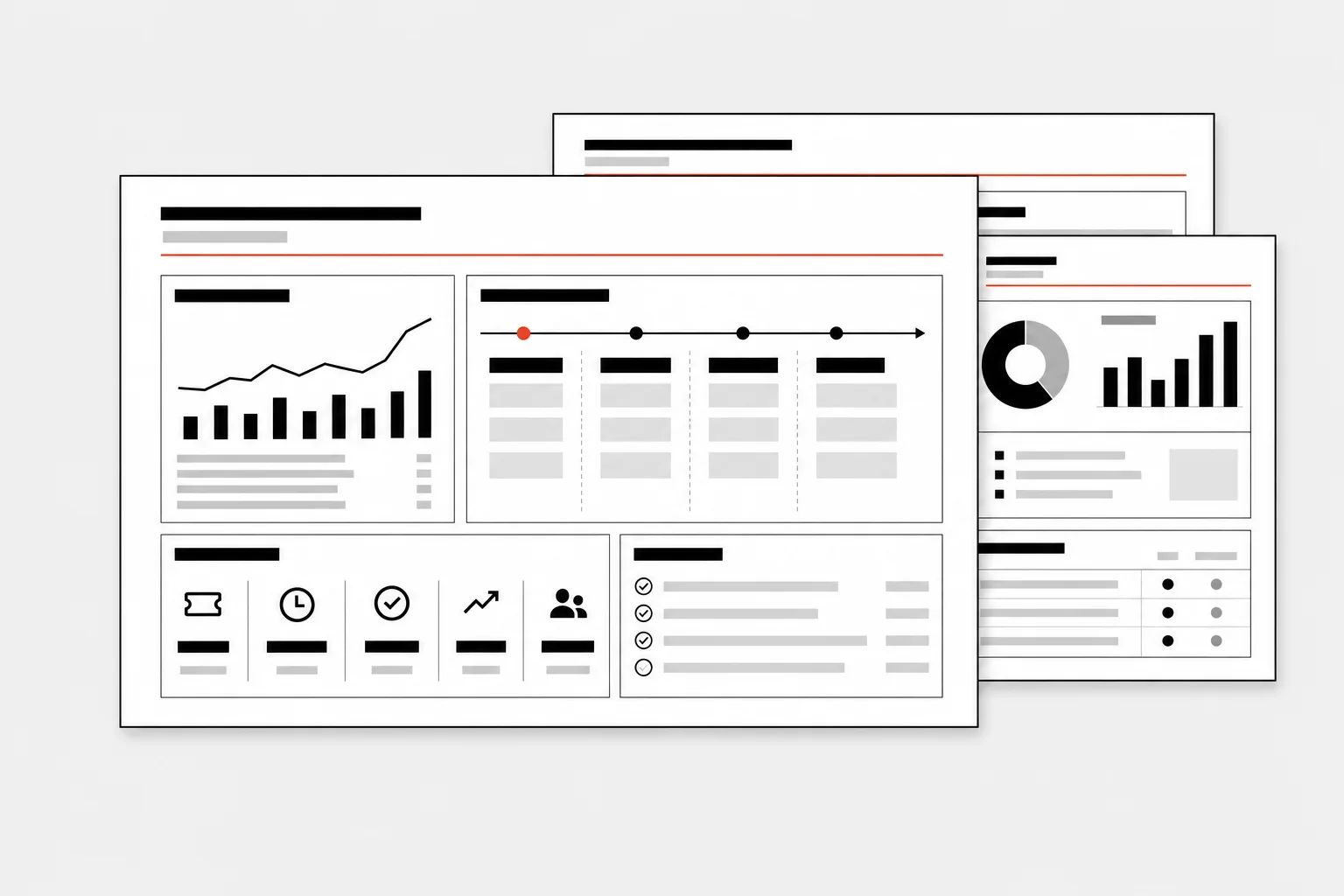
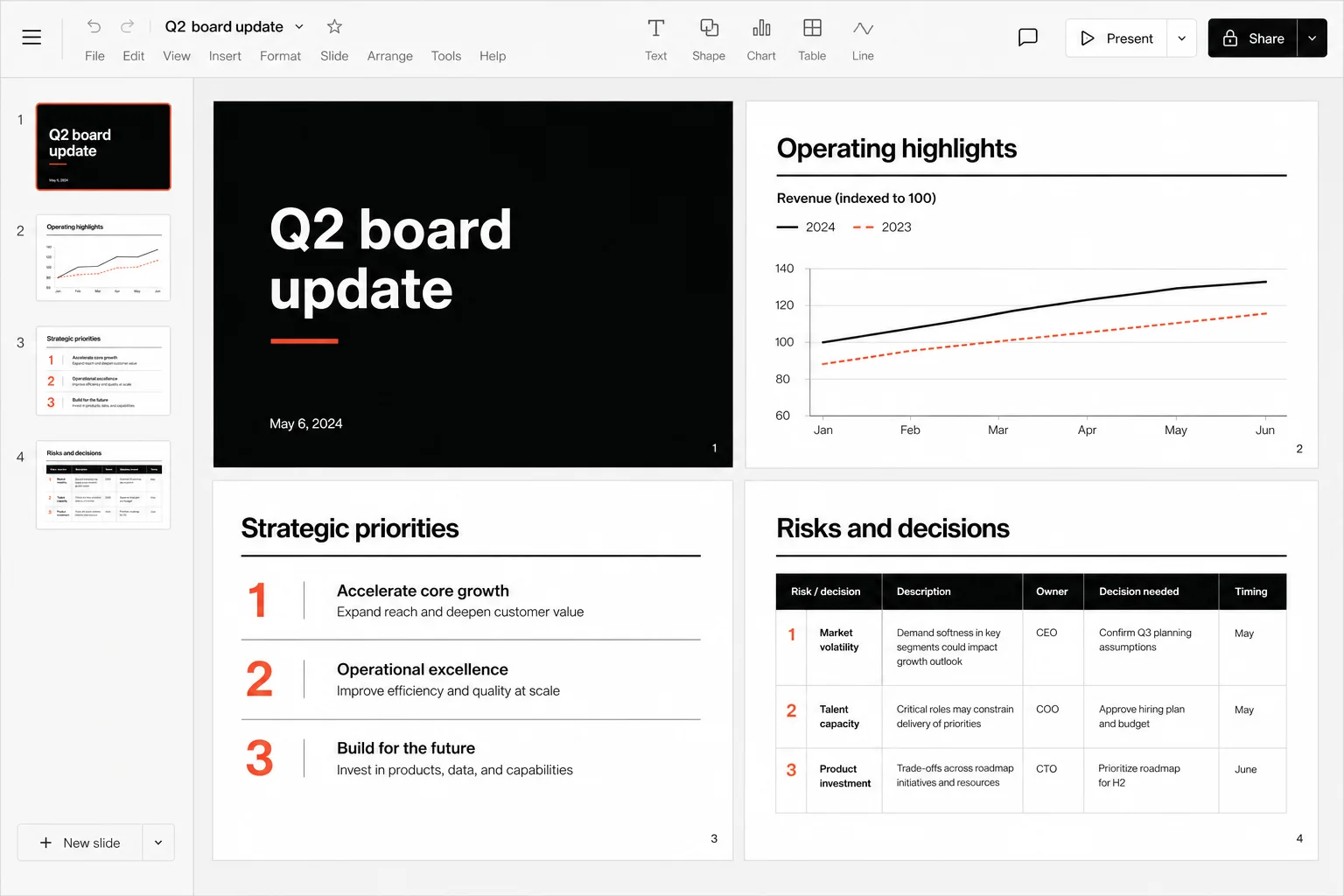
Give Craft a brief and your company template. Get a finished deck with sourced content, on-brand layouts, and a clear narrative.
Try this in Onyx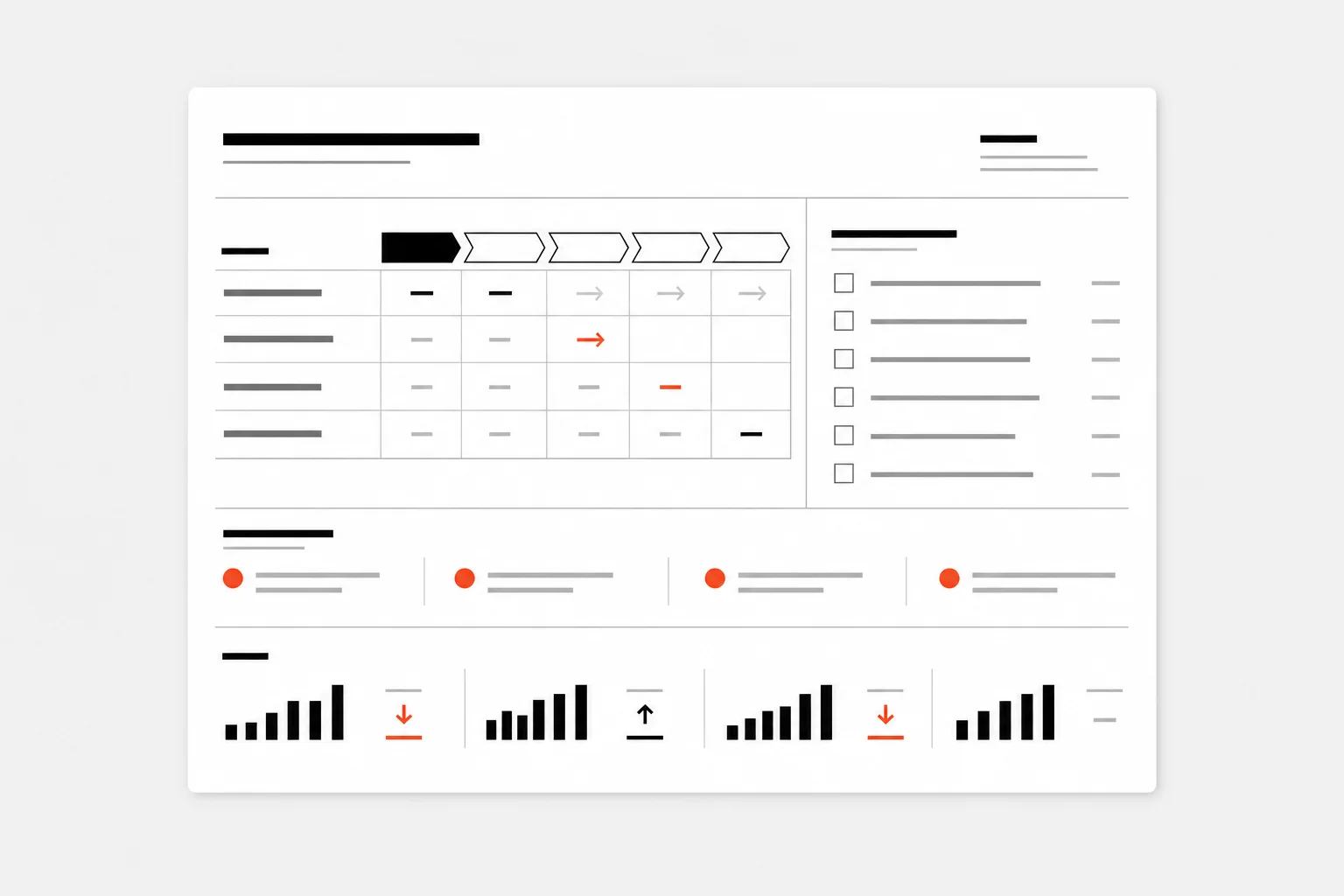
Craft reviews your open deals, drafts a tailored email for each prospect, and updates HubSpot with the latest activity and next step.
Try this in OnyxSearch for an outcome or filter by the kind of artifact you need.
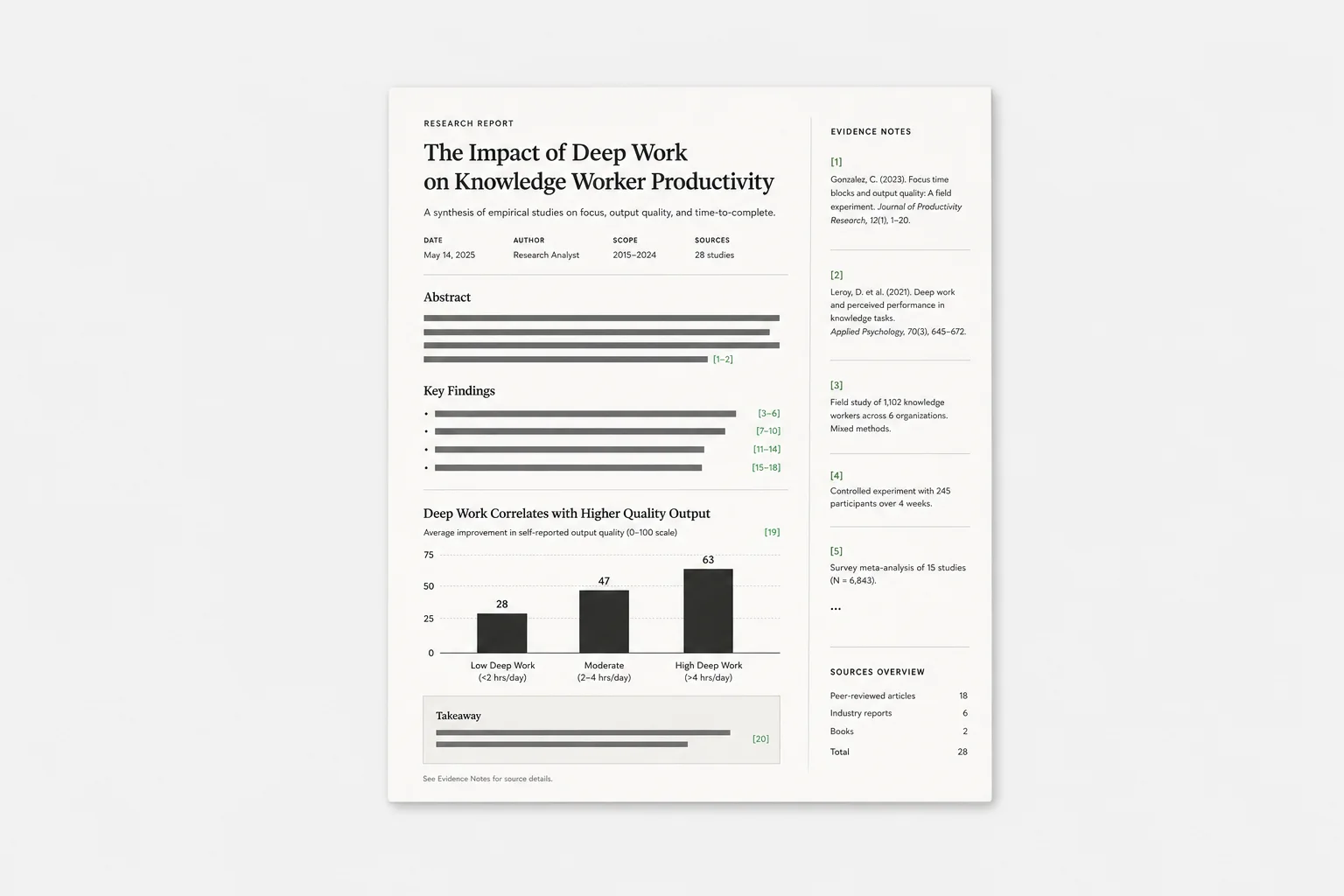
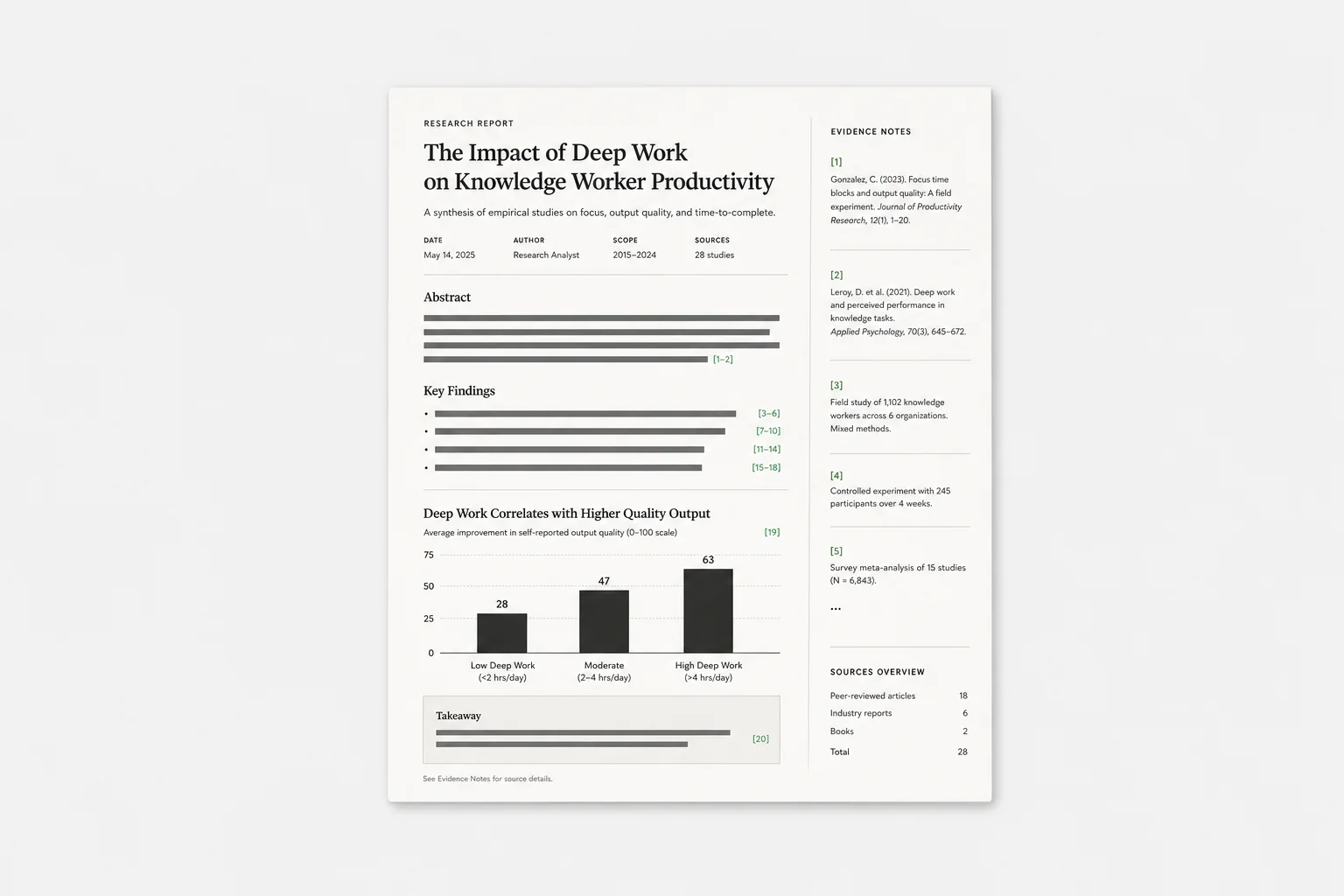
Investigate a complex question across connected sources and the web, then return a cited report.
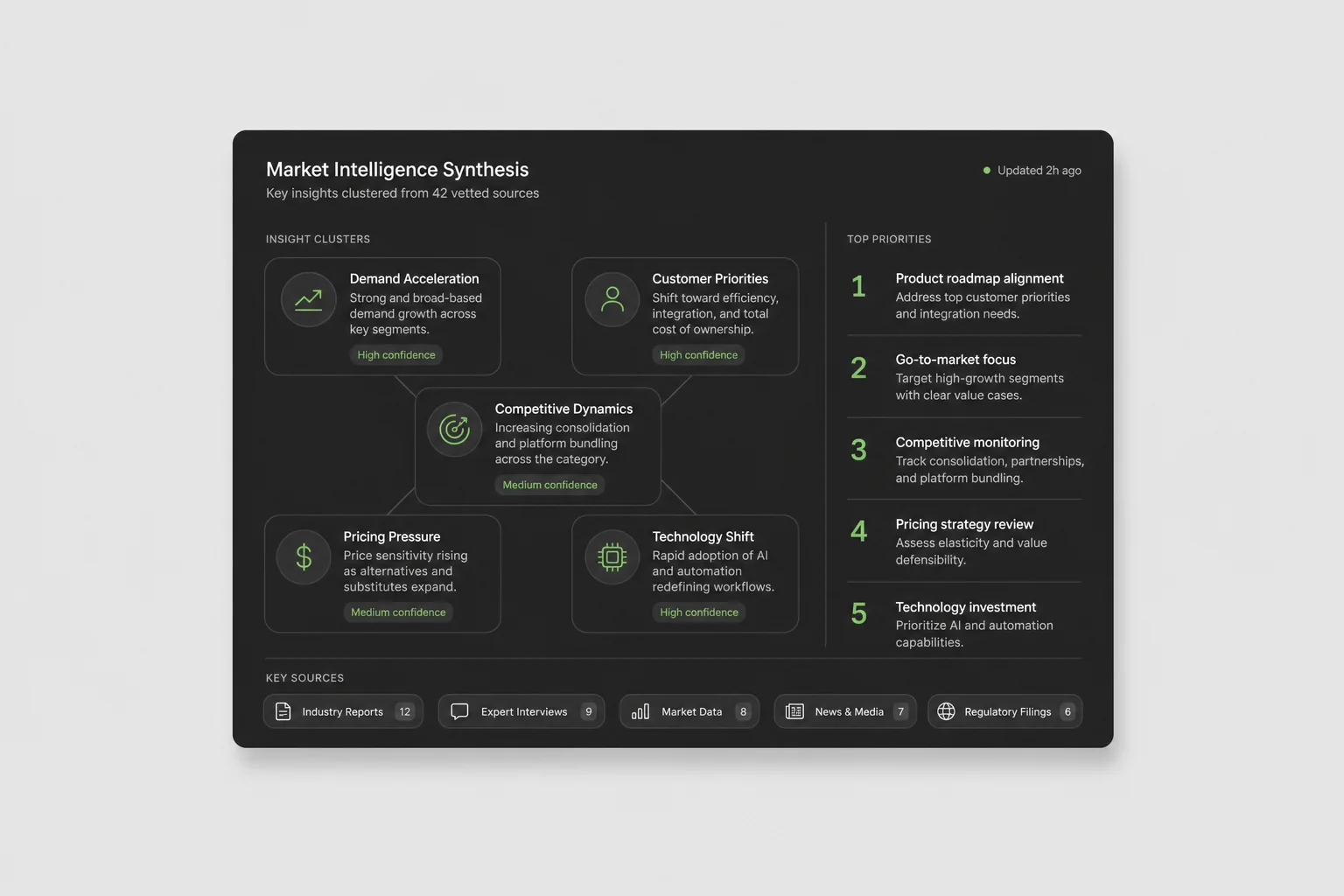
Synthesize internal positioning, win-loss notes, competitor pages, and customer feedback.
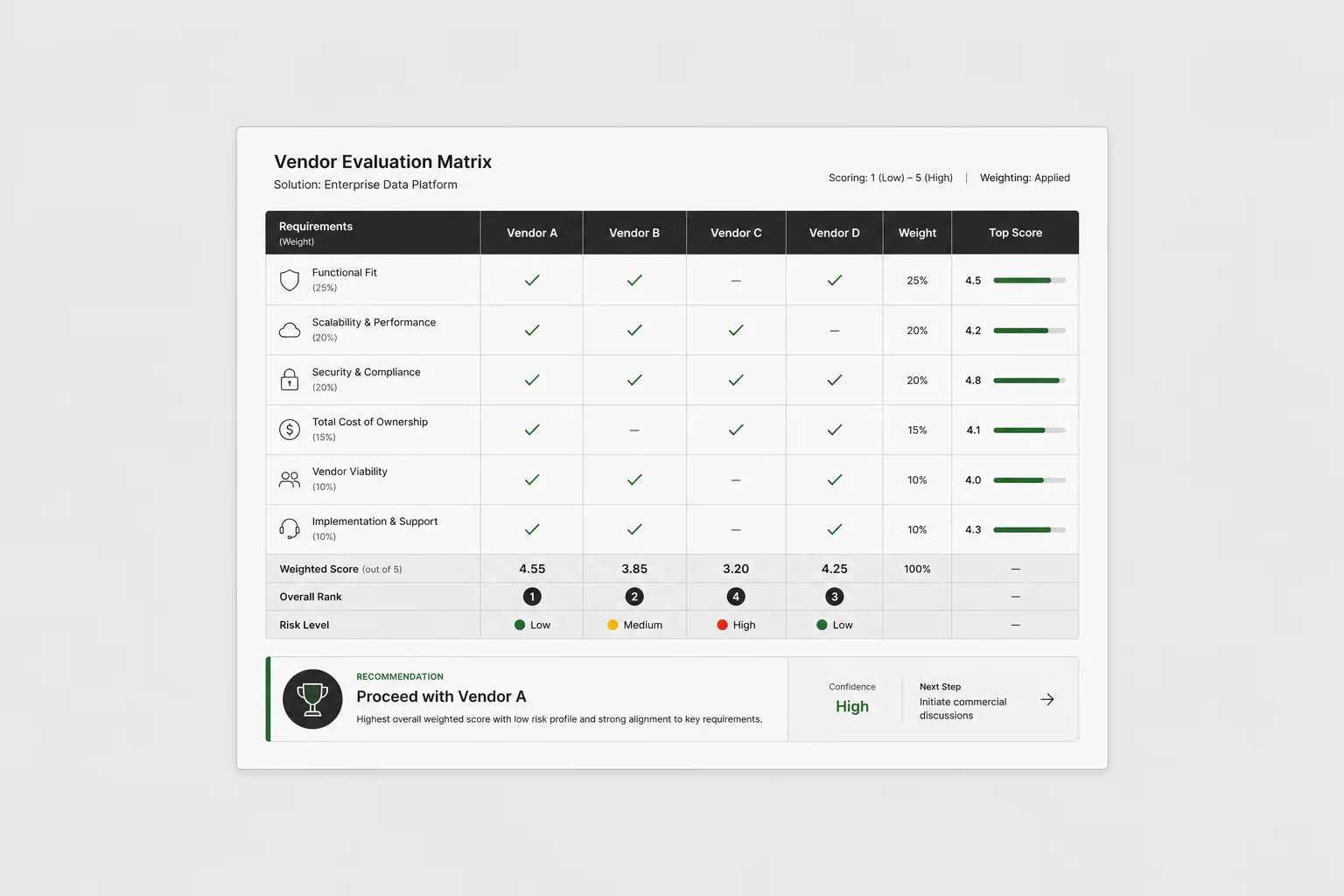
Score vendors against requirements, security documents, pricing notes, and stakeholder feedback.
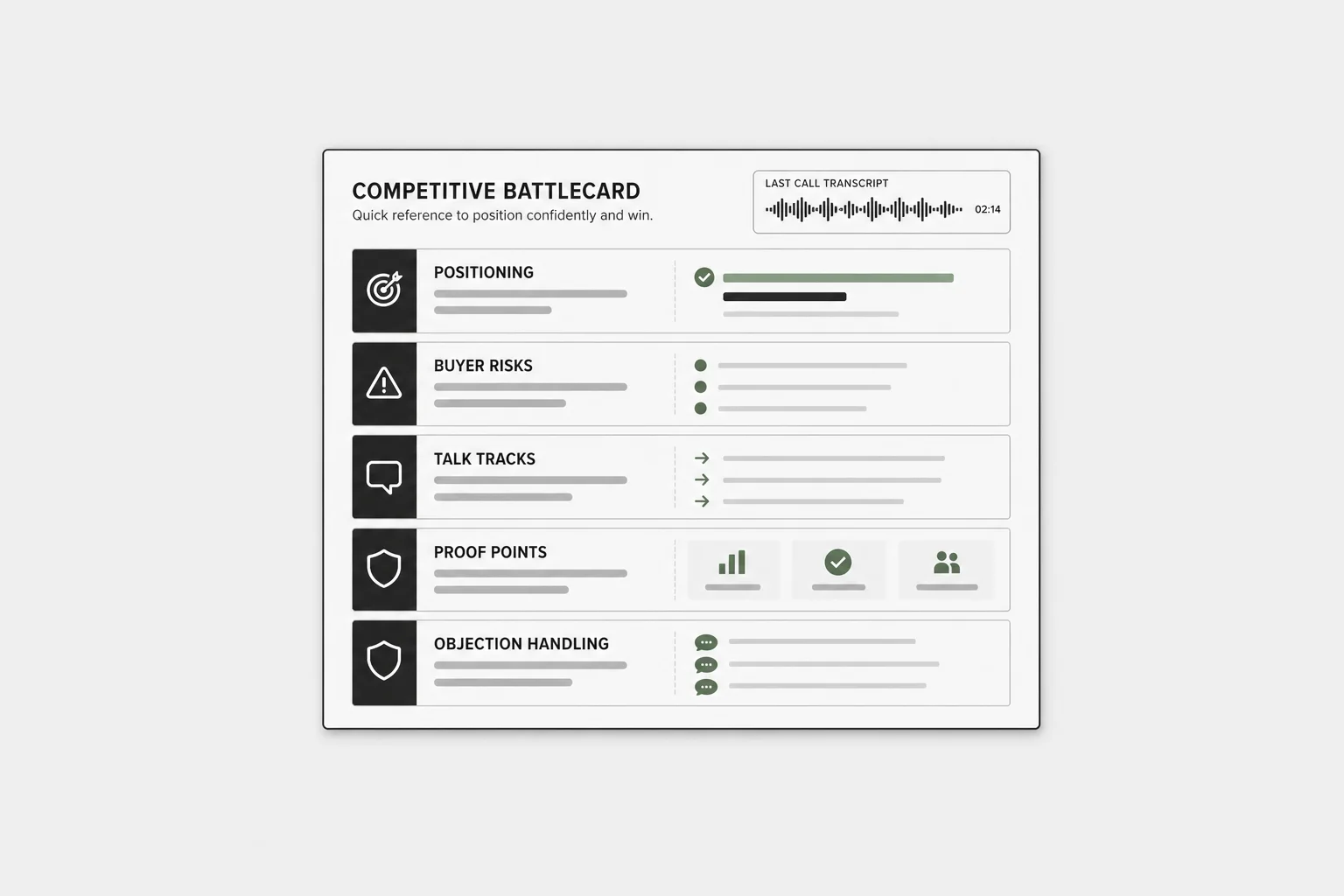
Turn competitor mentions, lost-deal notes, product gaps, and sales calls into a field-ready brief.
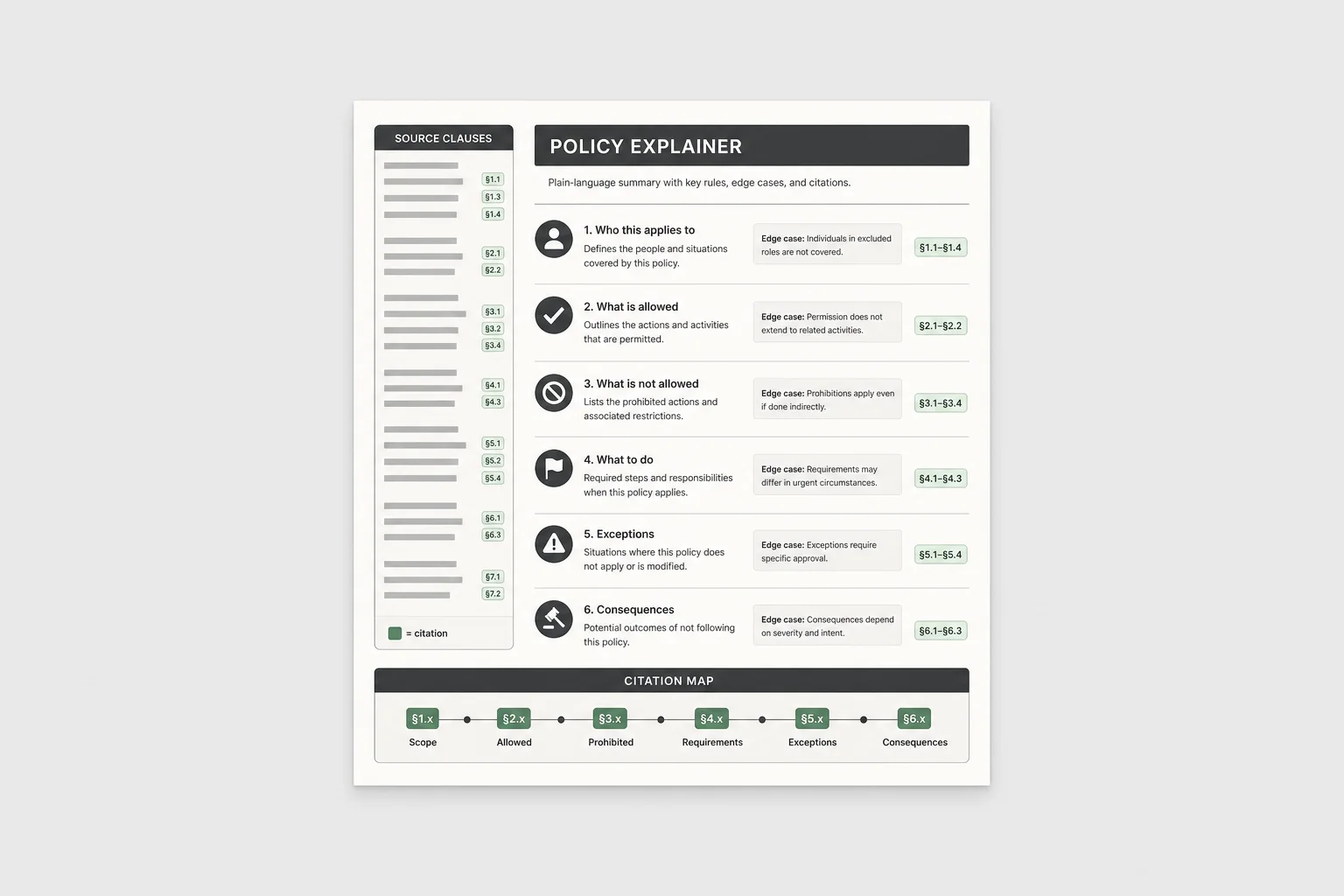
Translate dense policies into a plain-language guide with citations and edge-case notes.
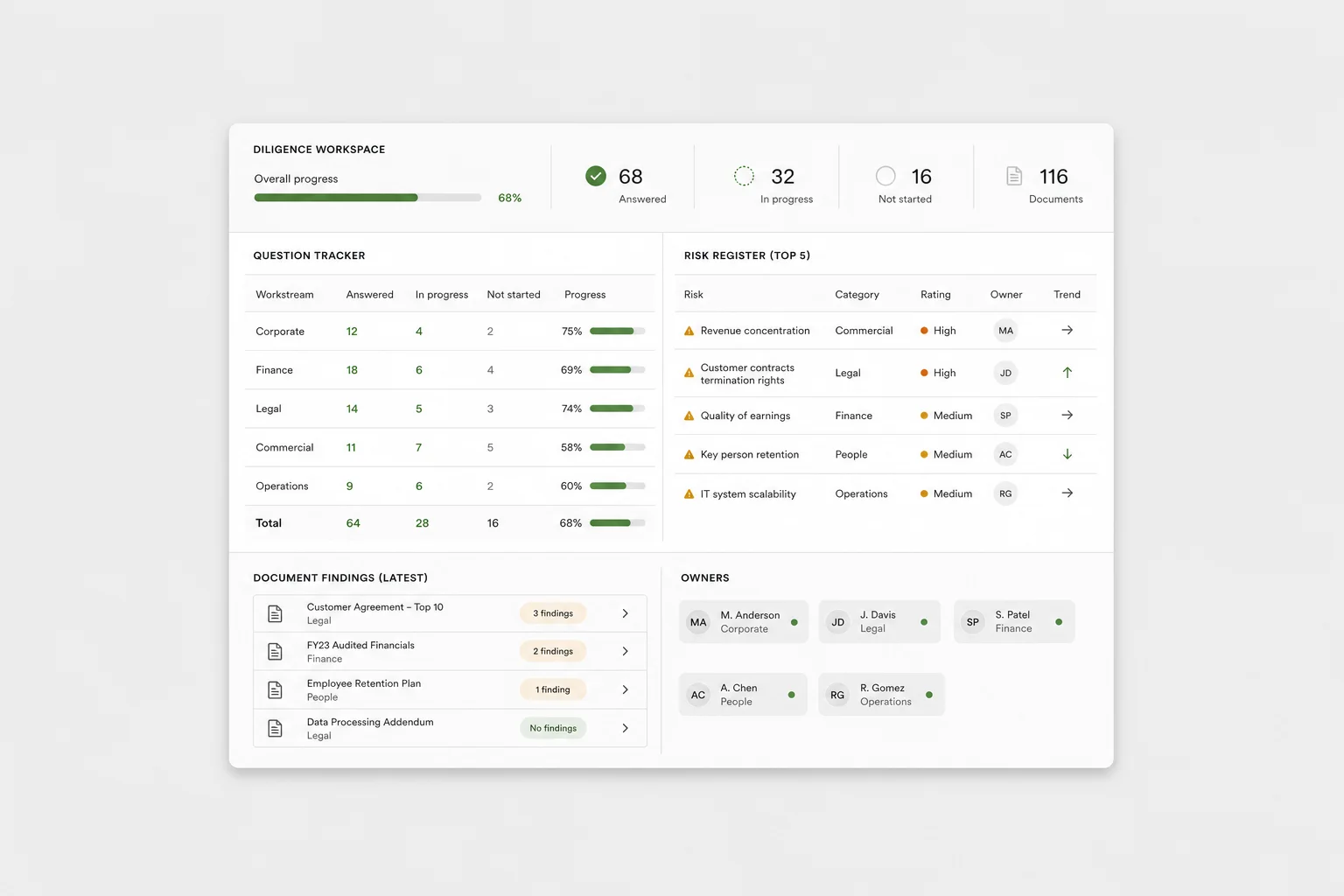
Organize diligence questions, document findings, open risks, and owners in one working view.
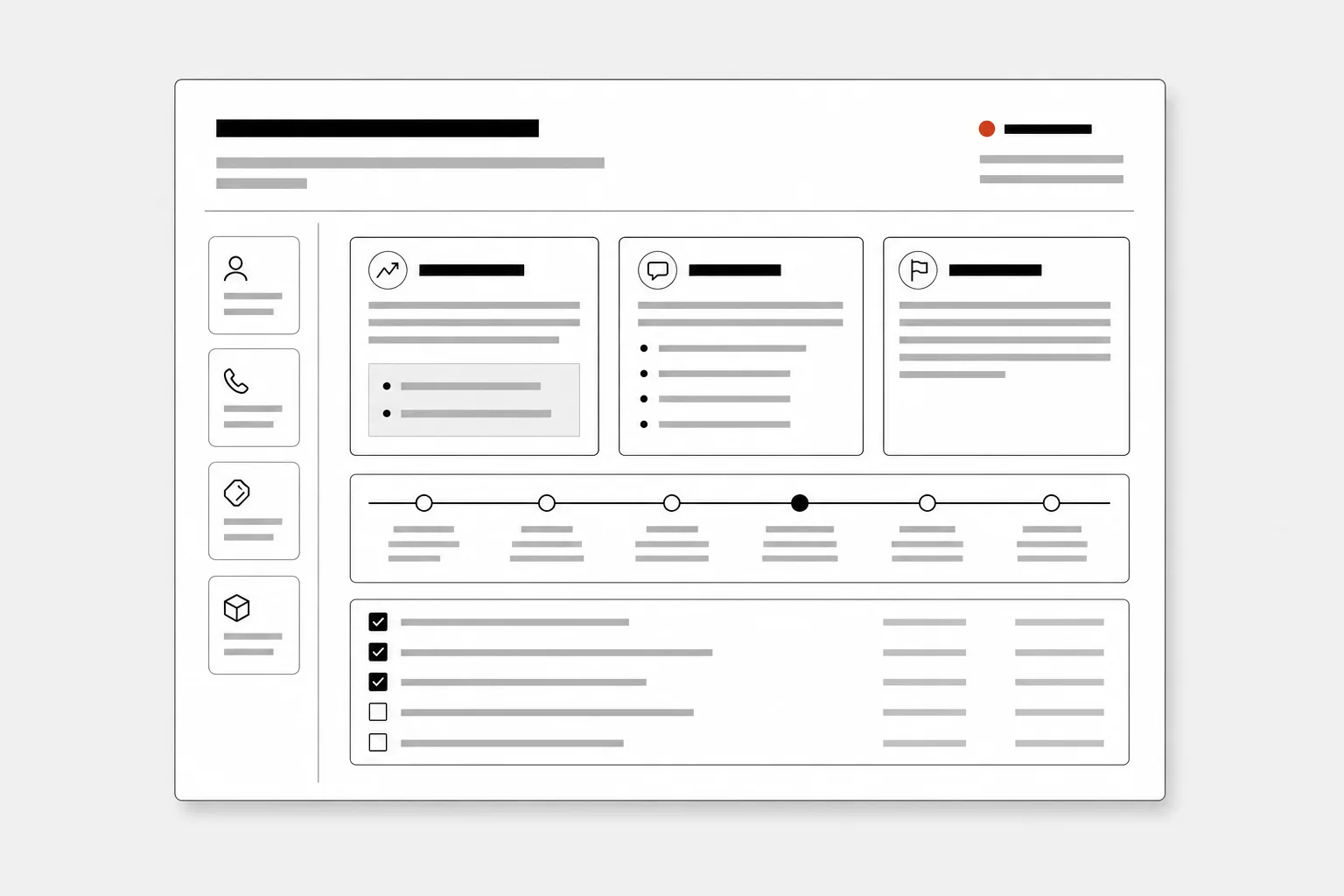
Summarize CRM history, call notes, open tickets, and product context before a customer meeting.
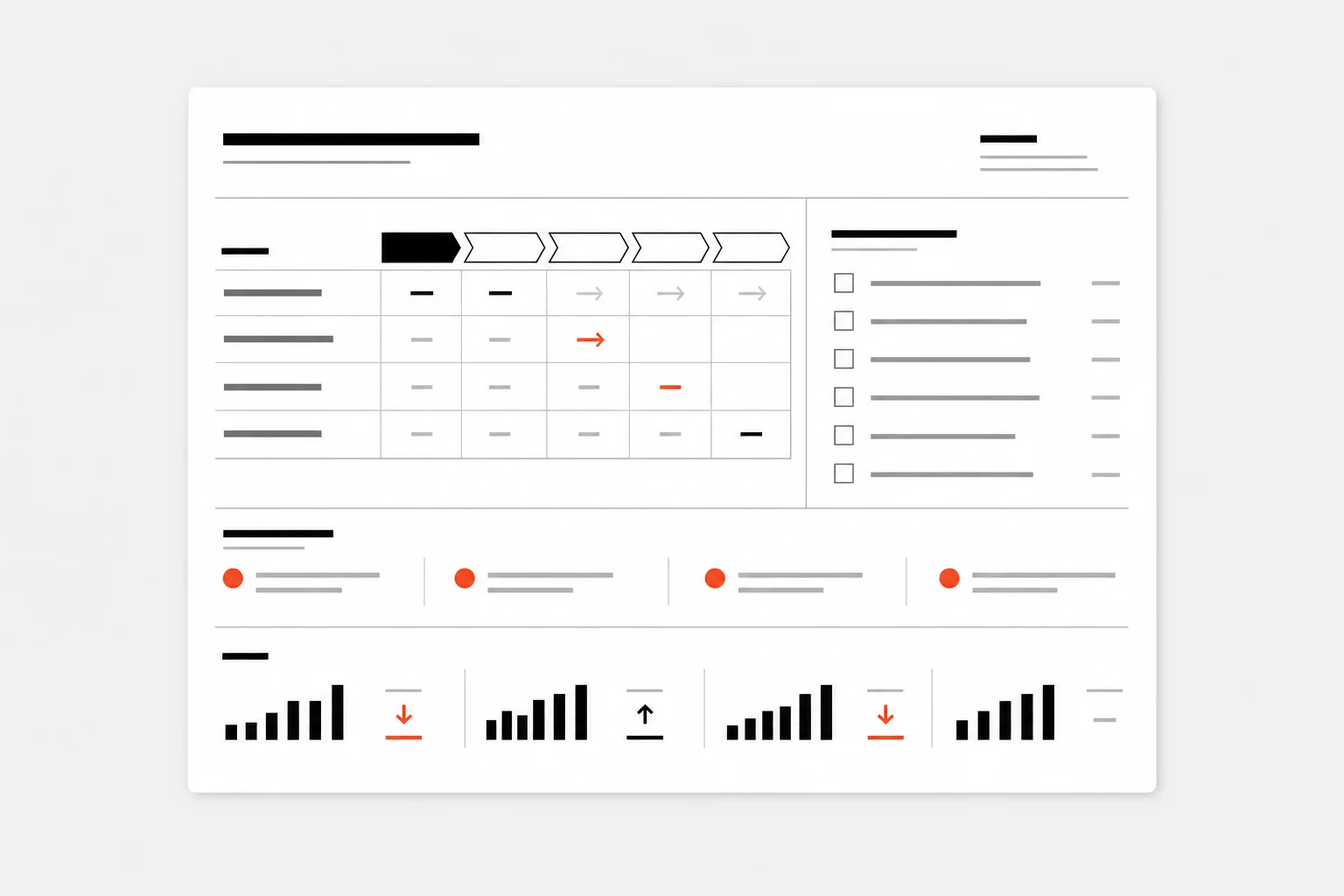
Track stage movement, next steps, blockers, and forecast changes for weekly review.
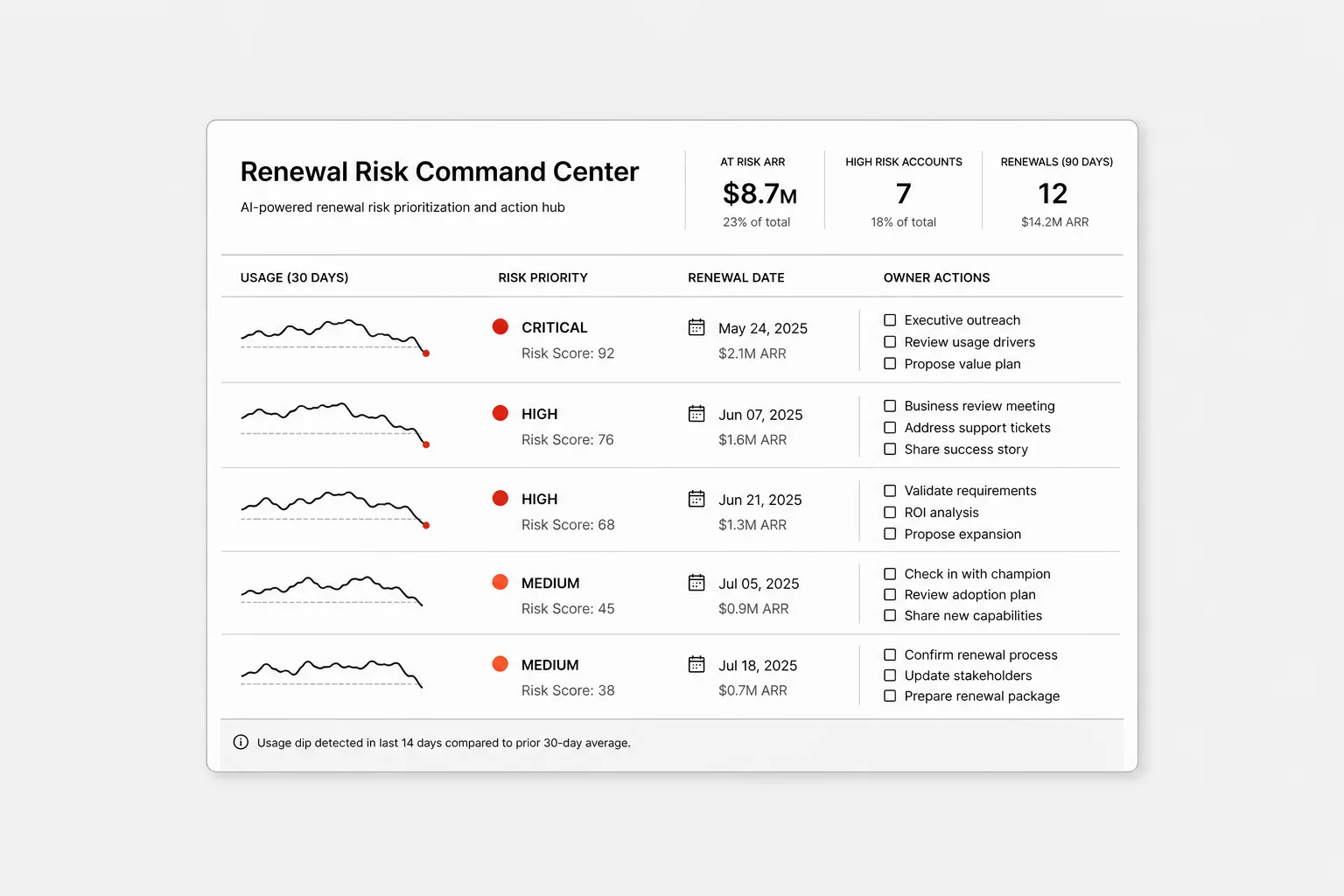
Combine usage drops, escalations, contract dates, and owner actions into a live risk view.
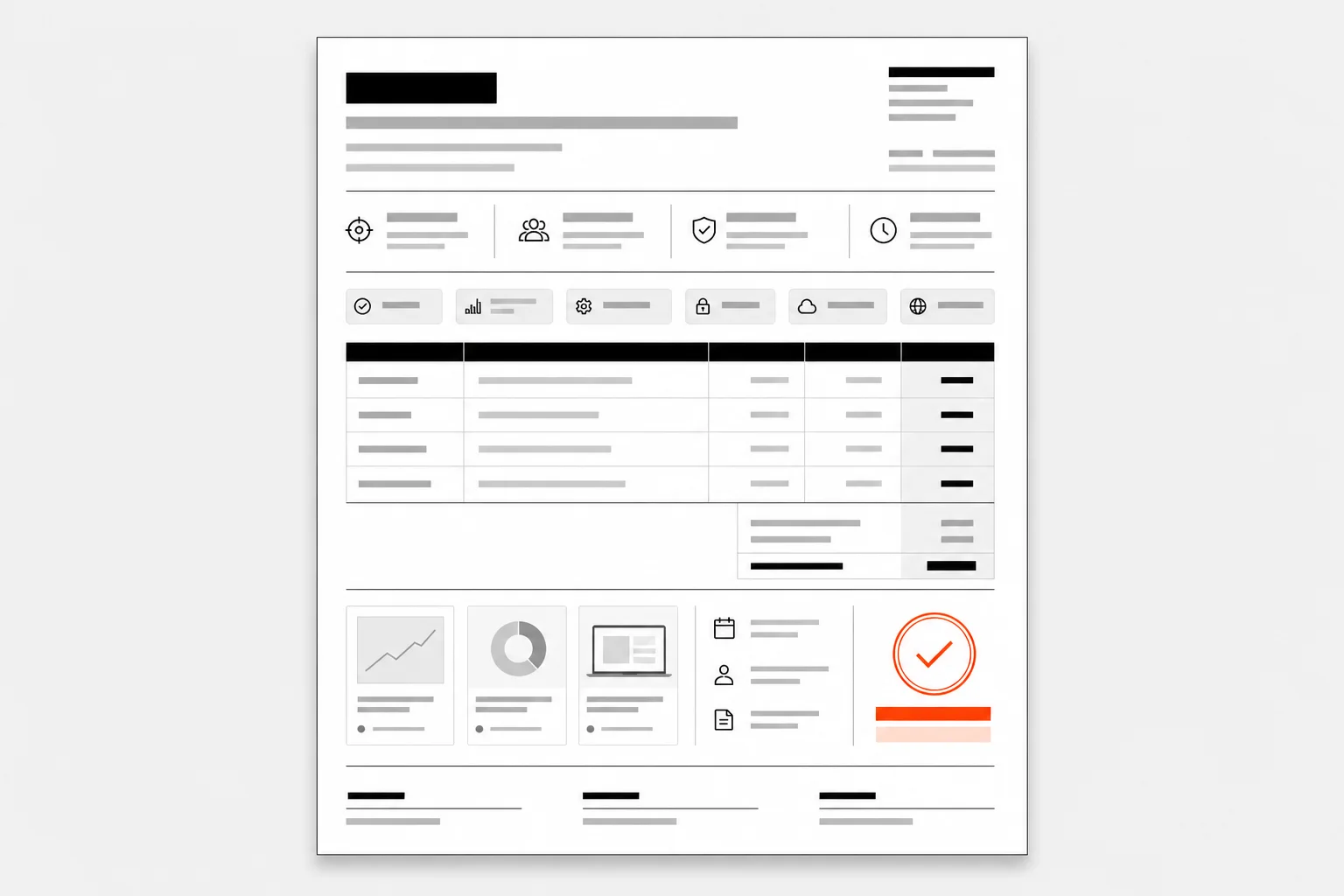
Create a tailored proposal from customer requirements, approved pricing, and product documentation.
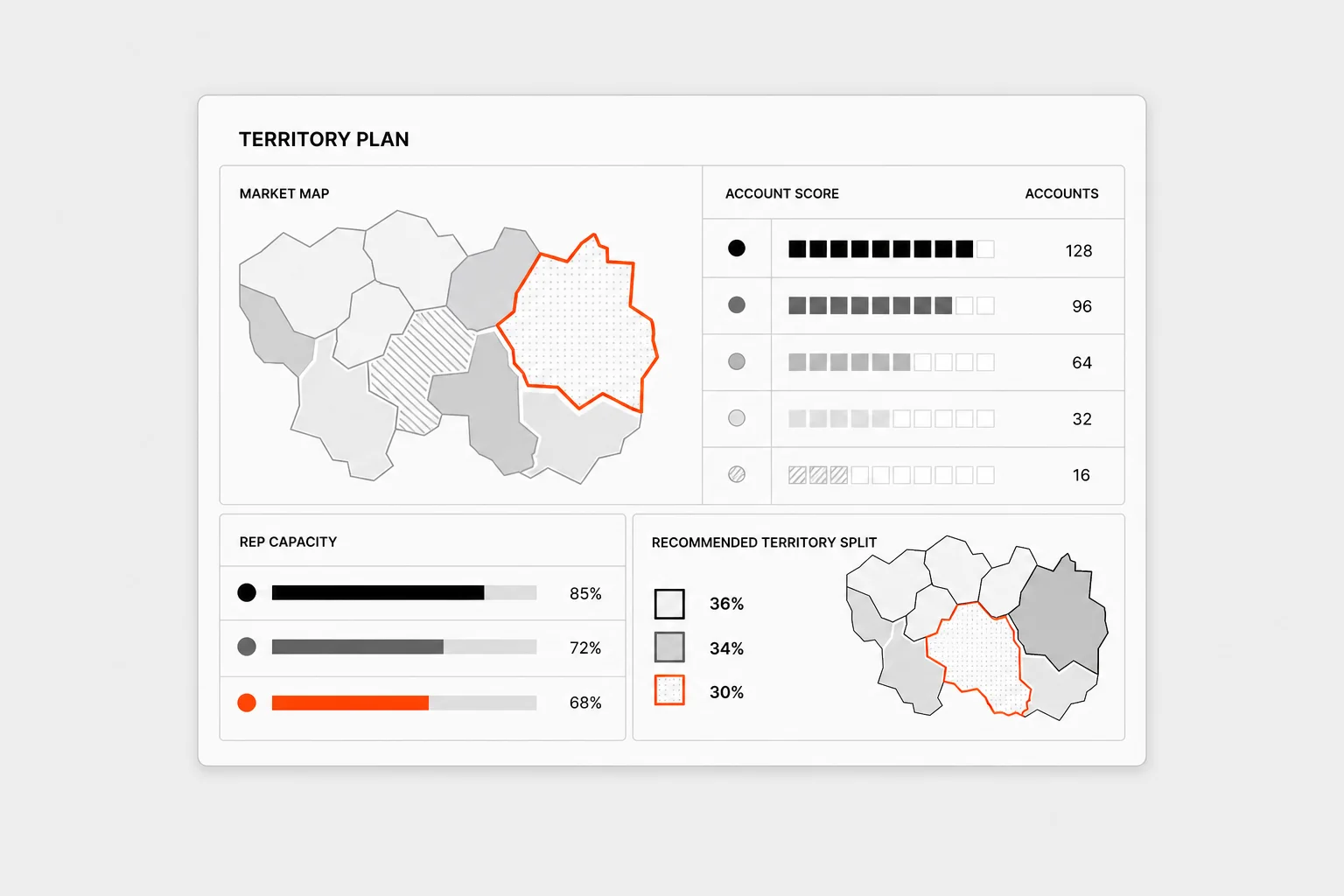
Analyze accounts, rep capacity, geography, and historical performance to shape territories.
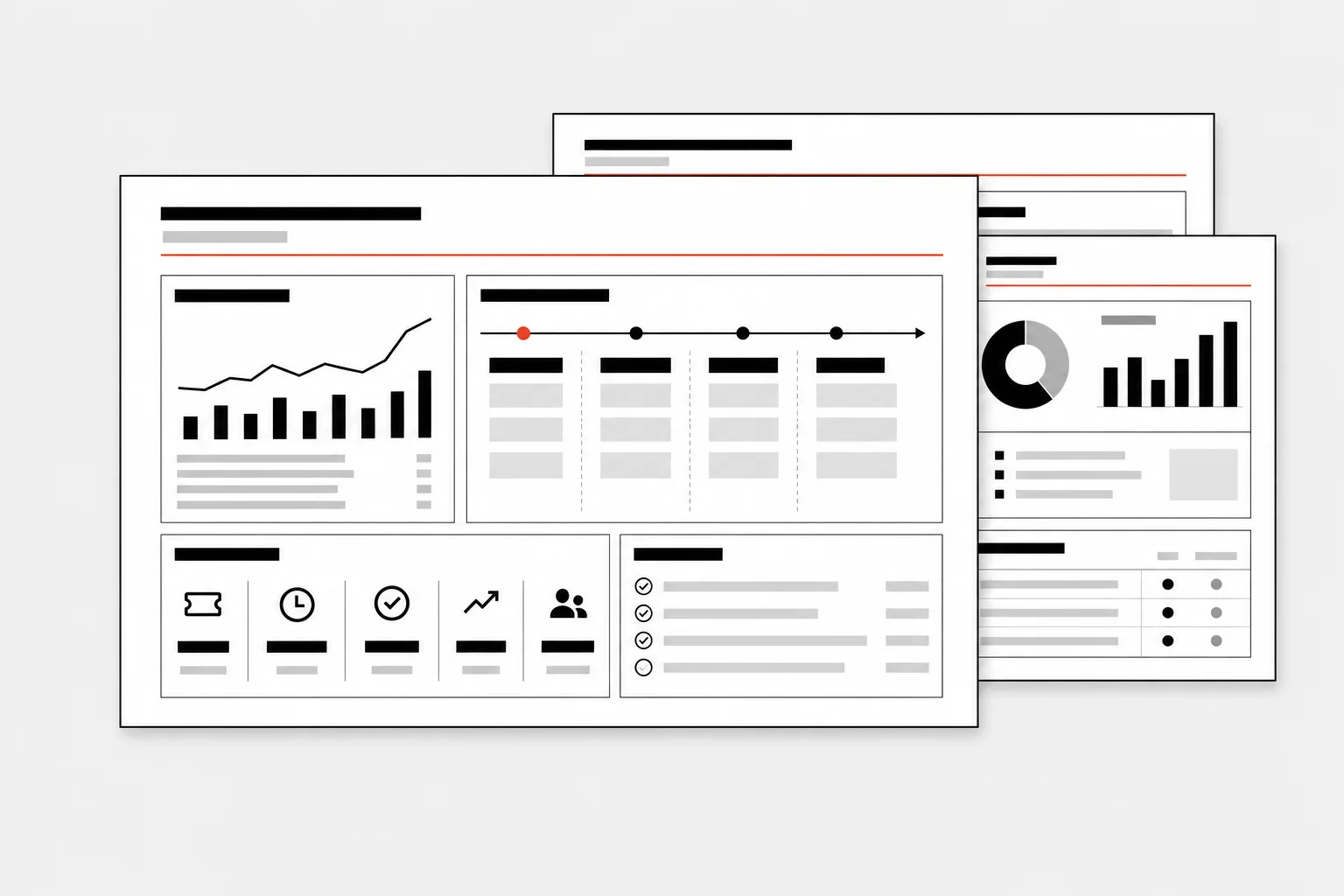
Turn usage, roadmap notes, tickets, and success plans into a customer-ready review.
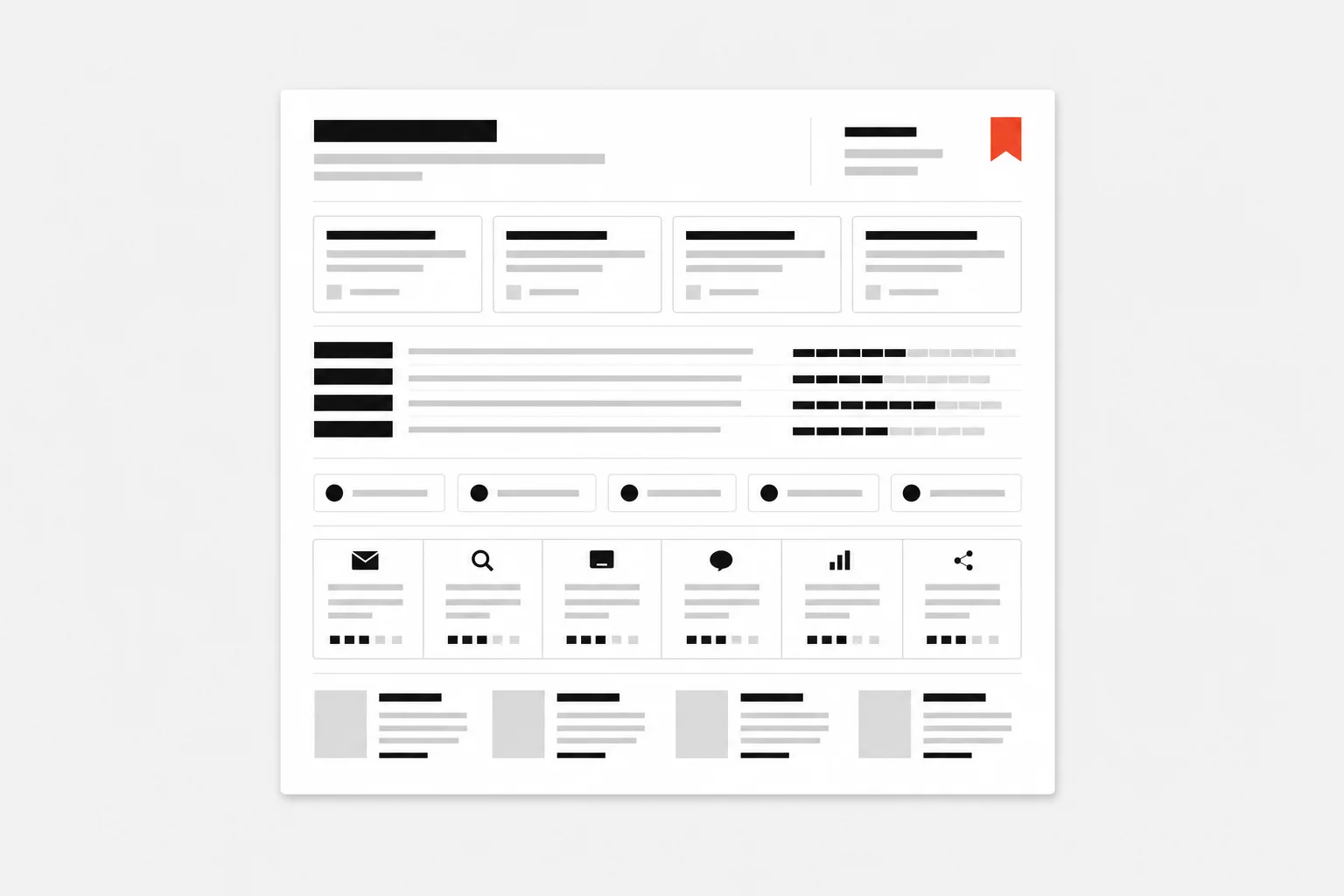
Convert research, positioning, ICP notes, and past performance into a focused campaign brief.
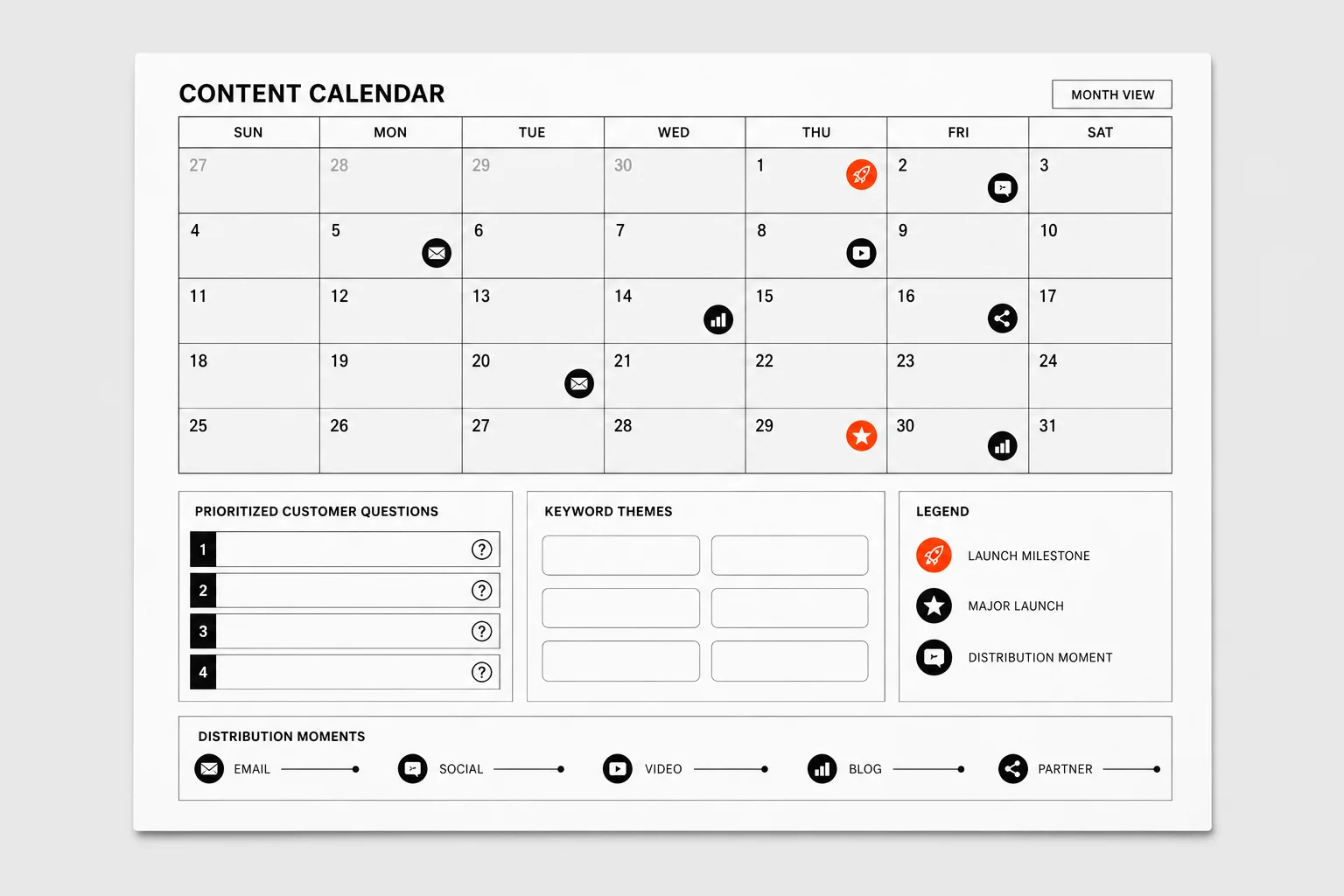
Prioritize customer questions, keyword themes, launches, and distribution moments.
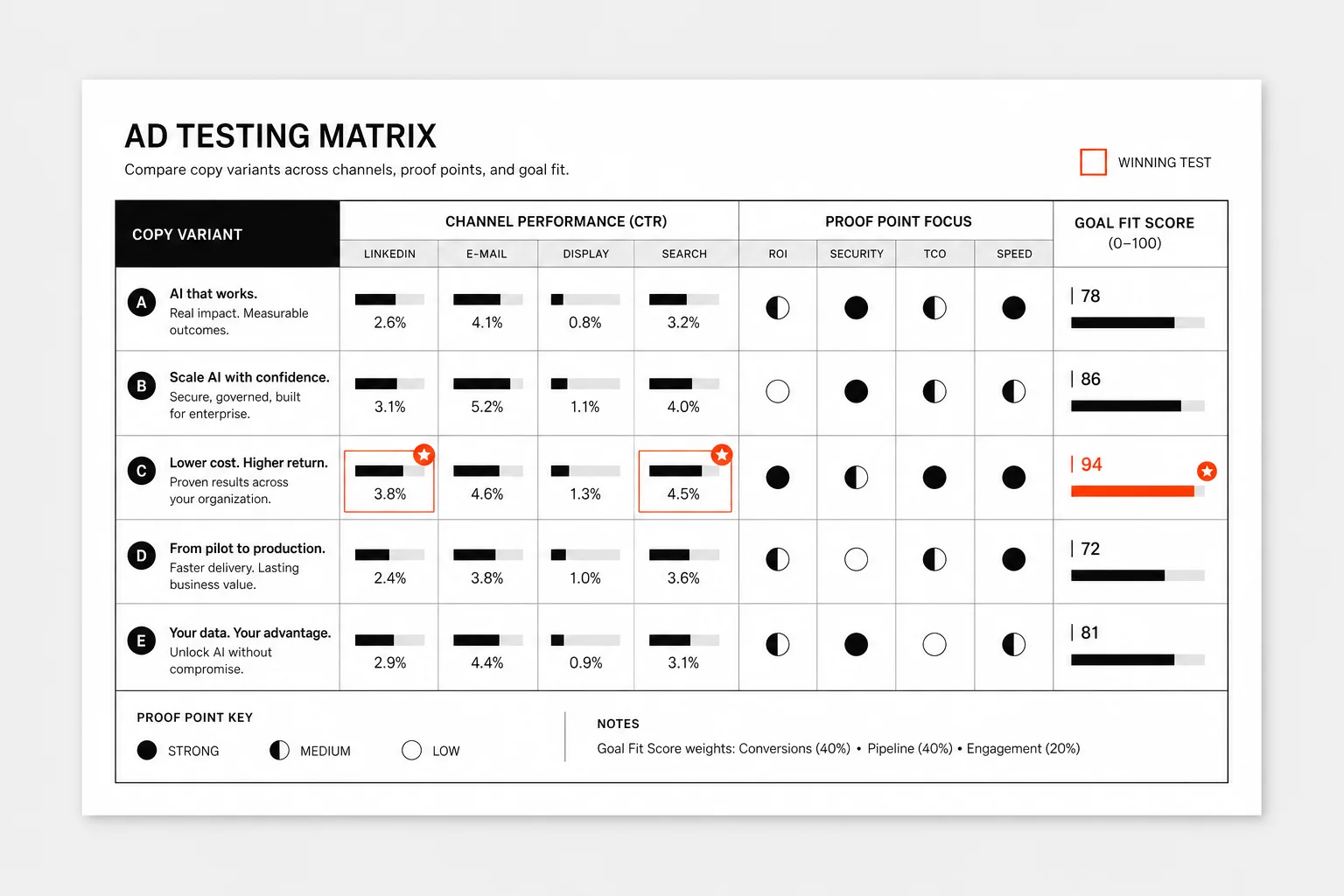
Generate channel-ready copy variants from product proof, customer language, and campaign goals.
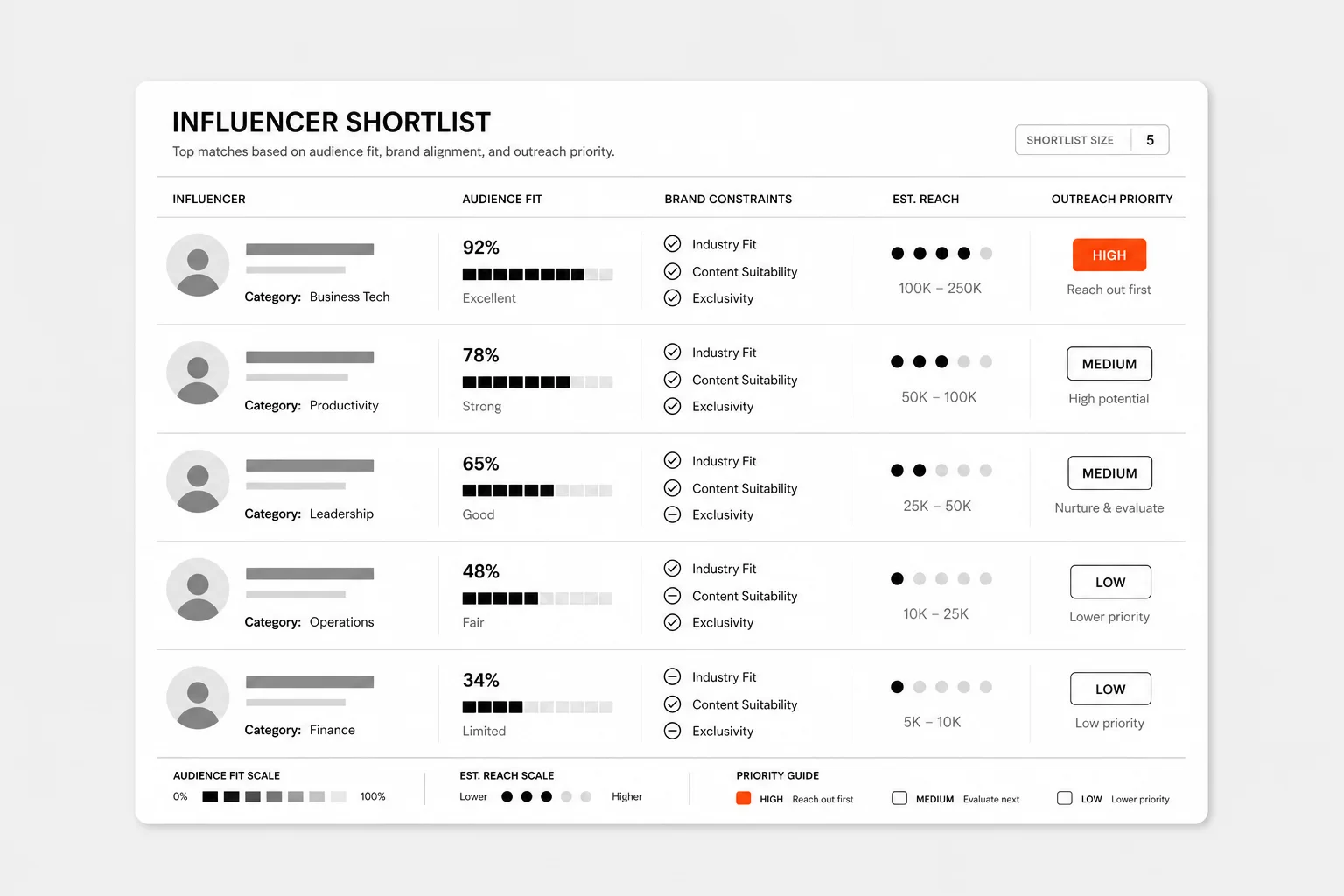
Research creators against audience fit, brand constraints, reach, and outreach priorities.
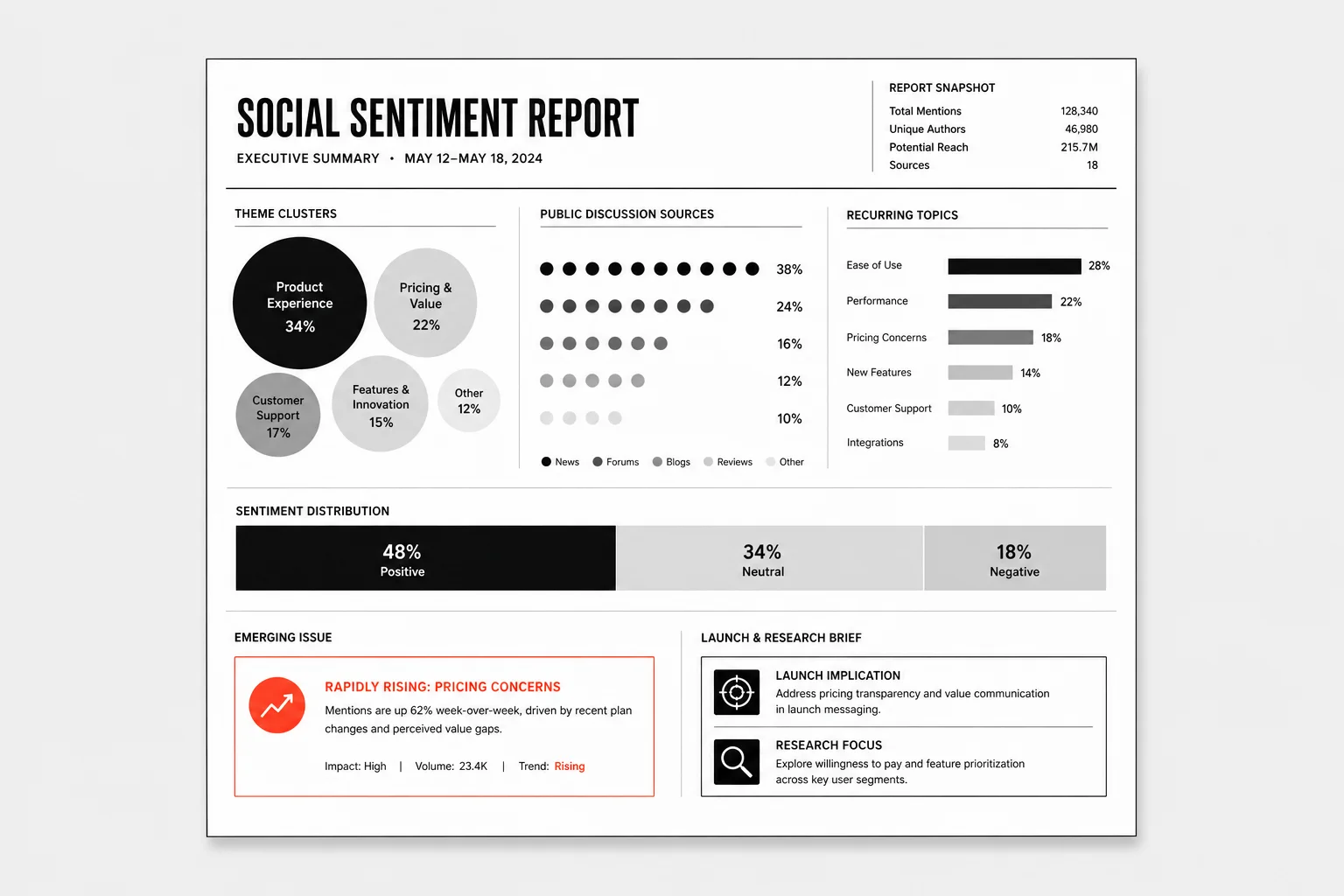
Collect public discussion, group recurring themes, and produce a launch or research brief.
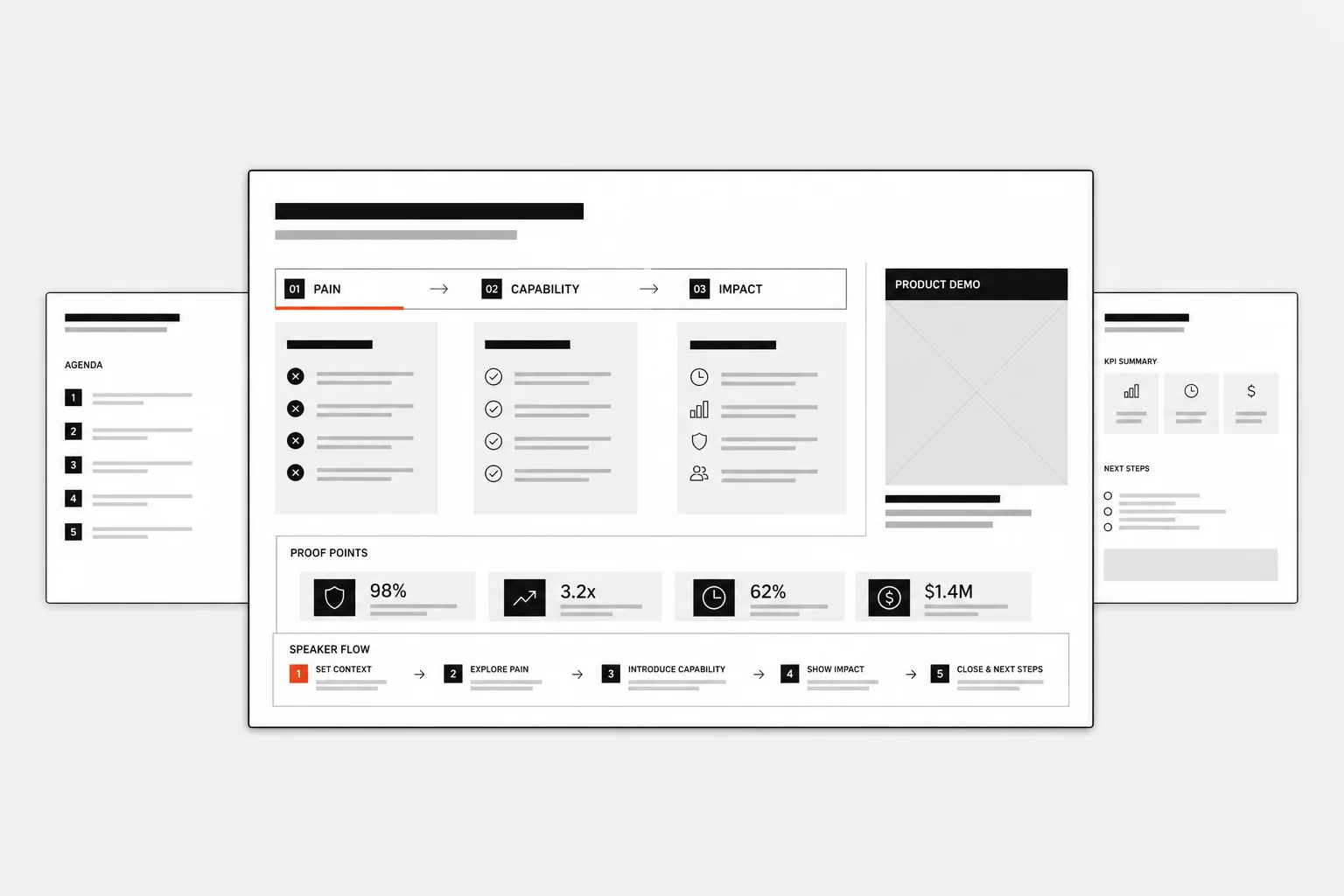
Turn product capabilities, customer pain, and proof points into a persuasive demo flow.
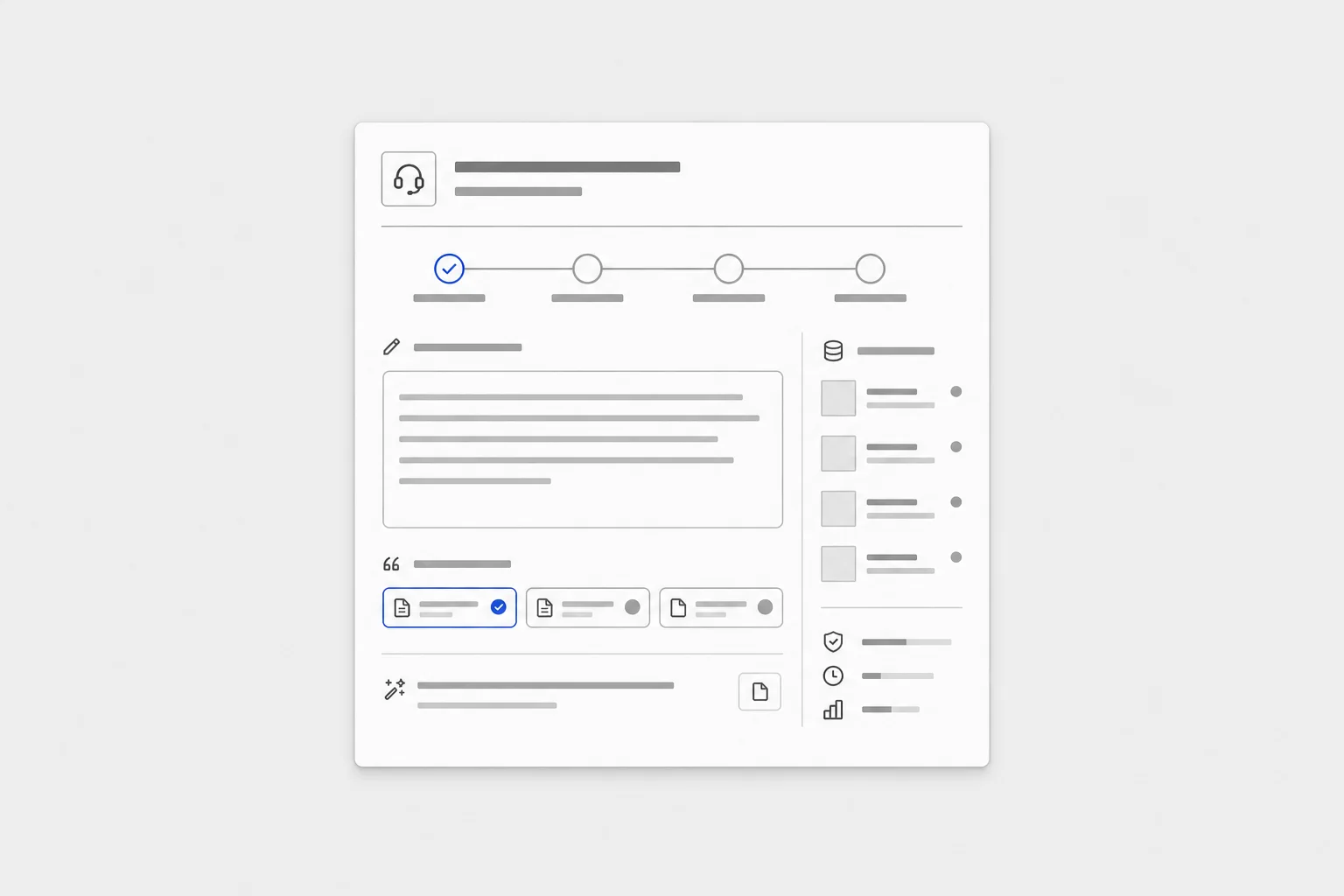
Use documentation, ticket history, and product context to draft a complete response.
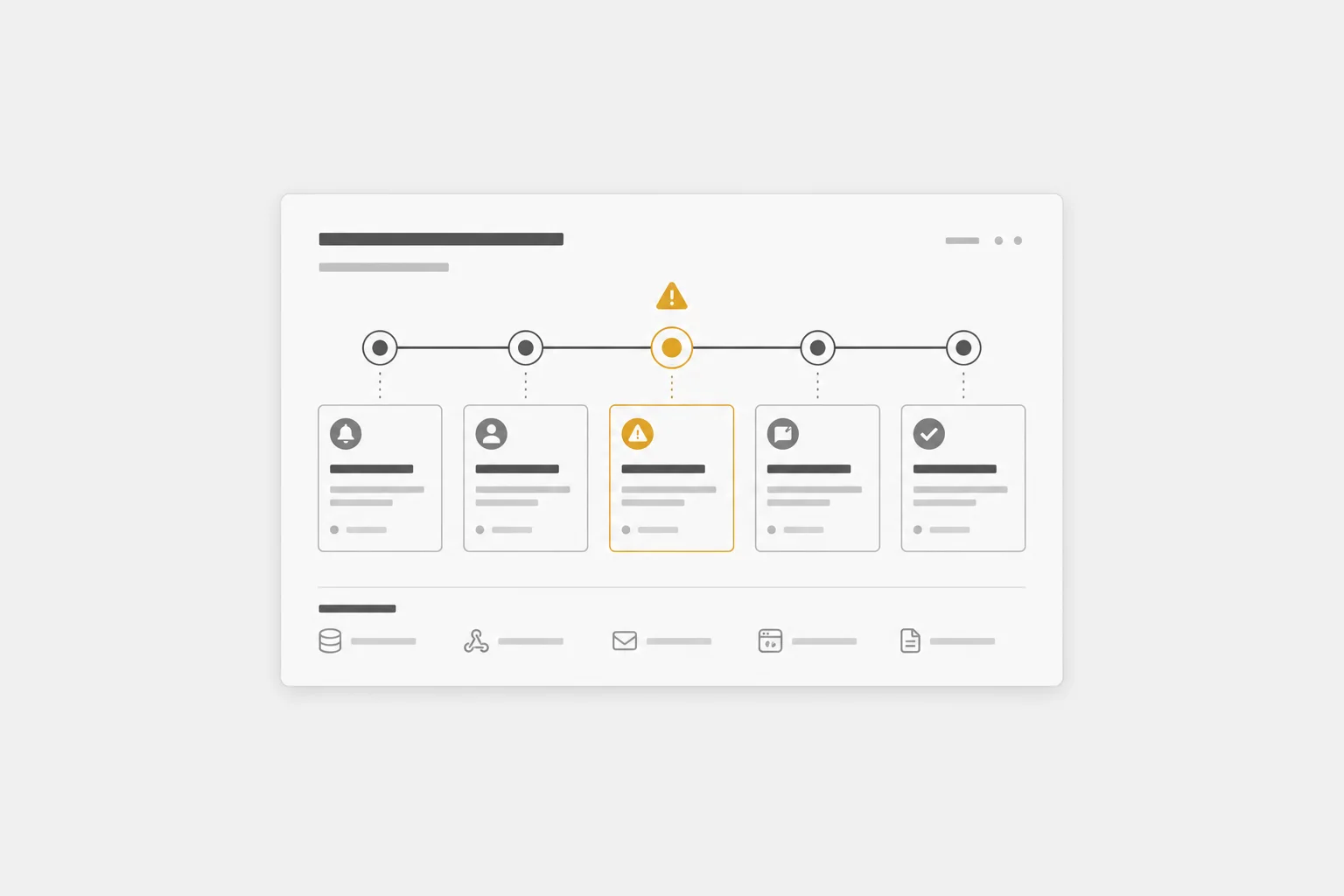
Create one reliable timeline from tickets, Slack threads, account notes, and engineering updates.
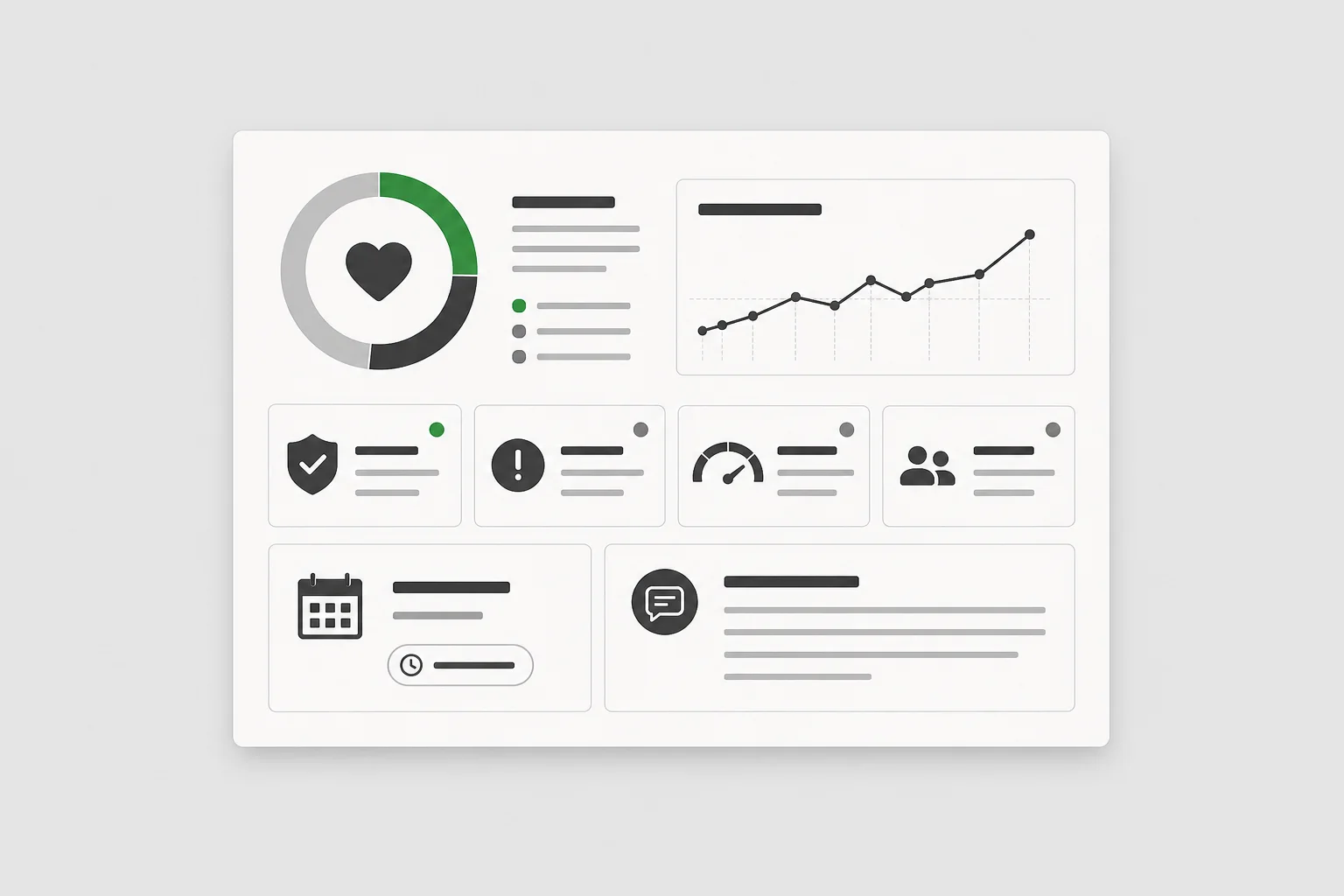
Combine cases, account notes, renewal timing, usage, and open risks into a decision-ready view.
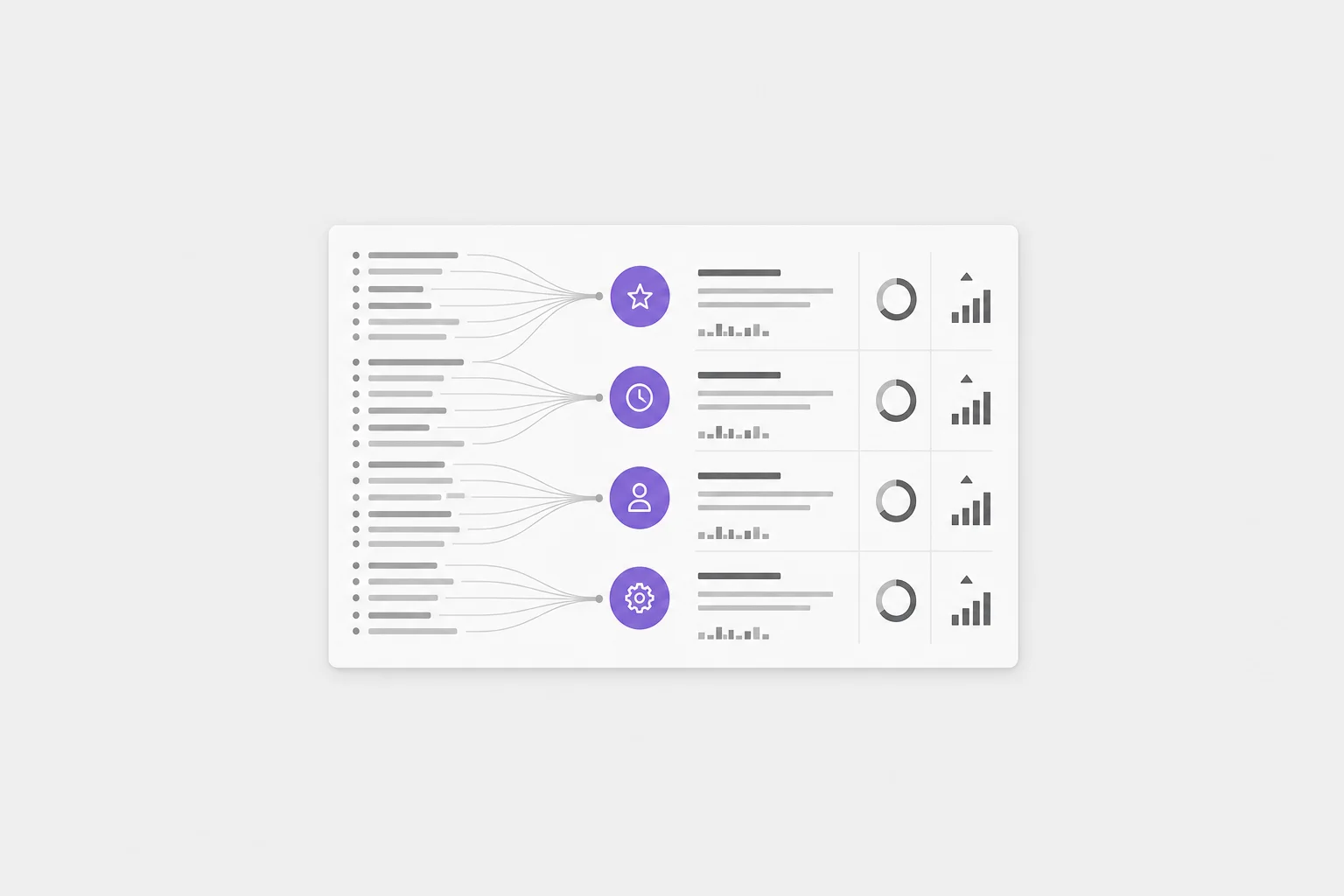
Cluster tickets, call transcripts, and survey notes into product and retention themes.
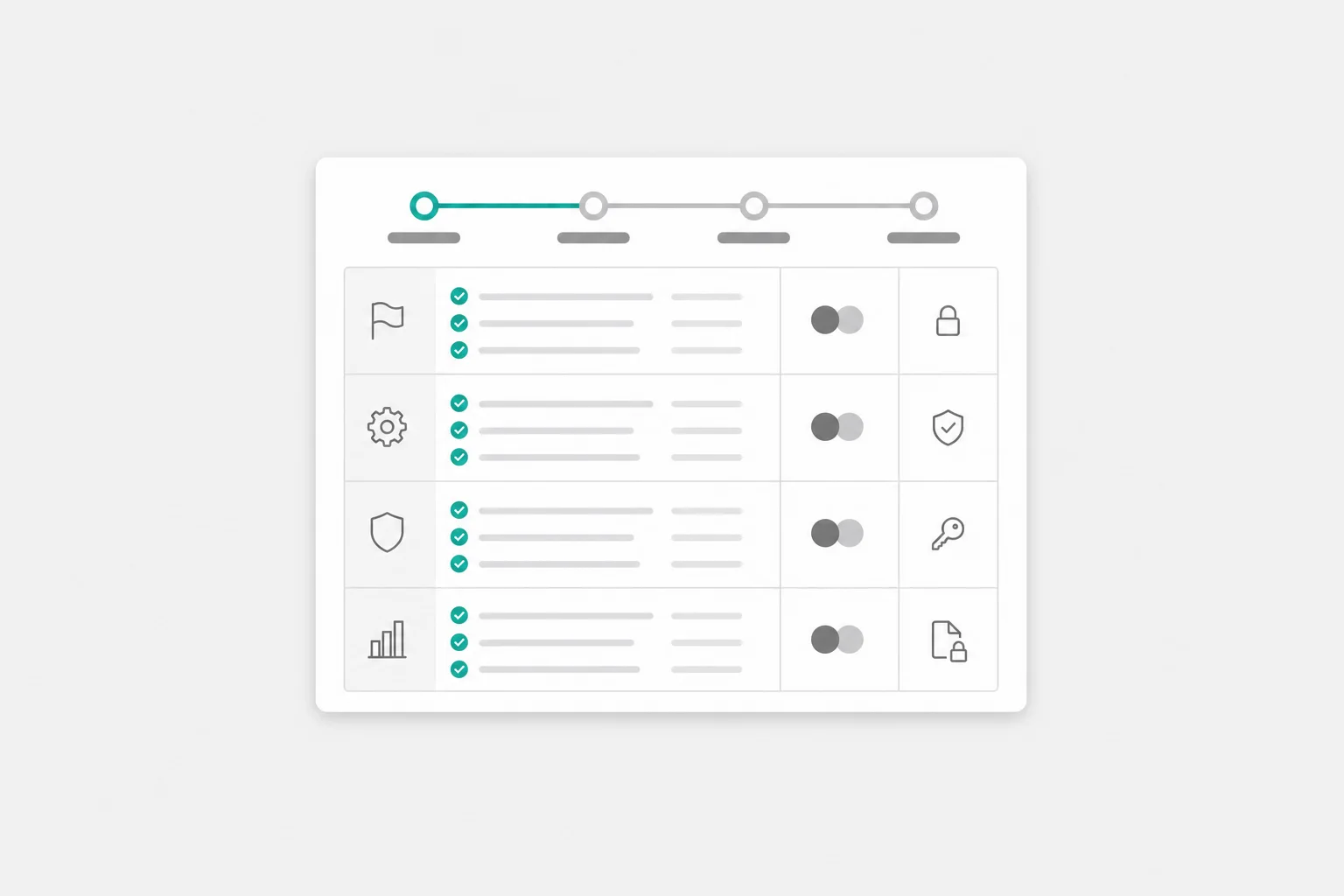
Generate an onboarding tracker from scope, deployment docs, security requirements, and owners.
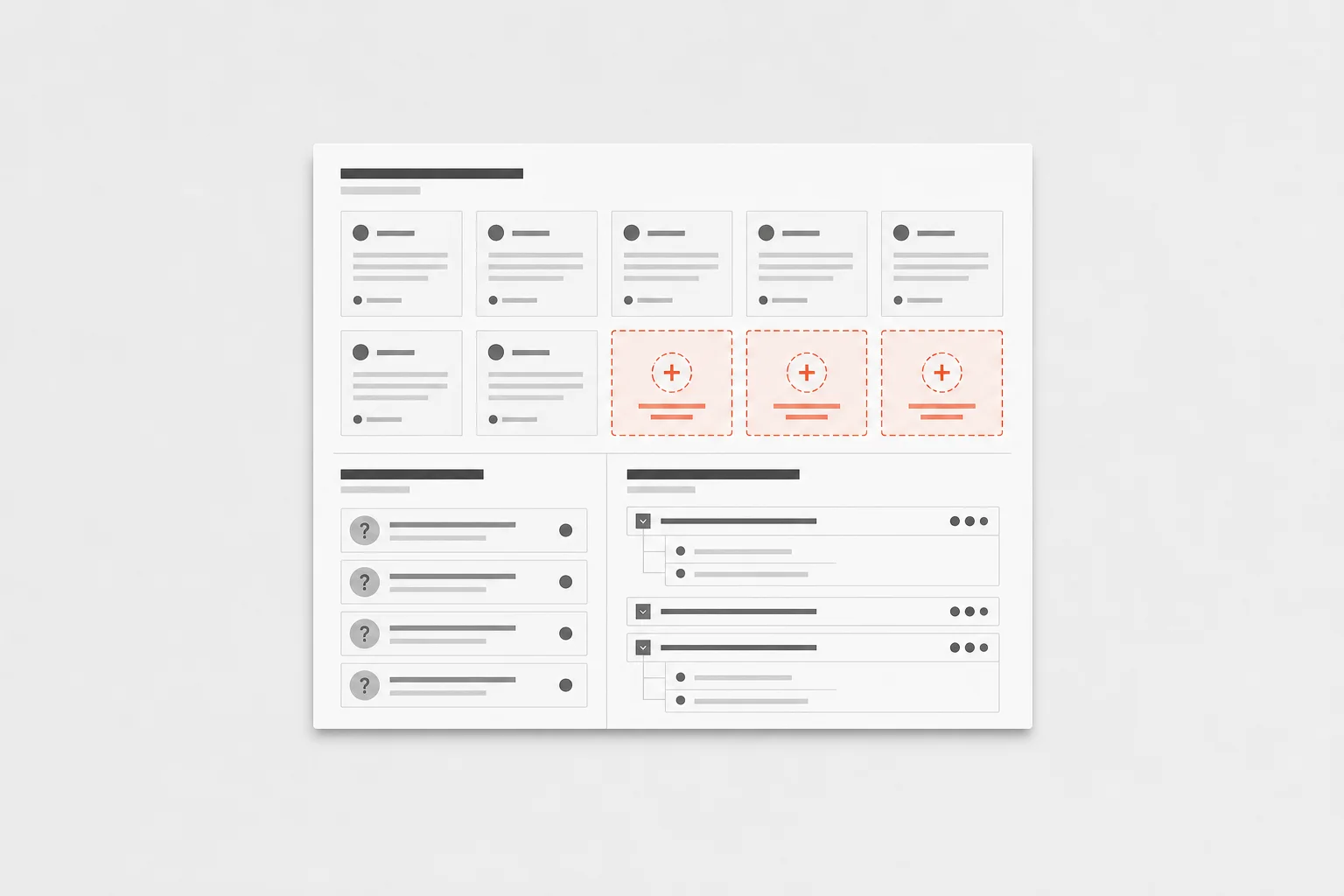
Find unanswered support questions and draft new help content with internal citations.
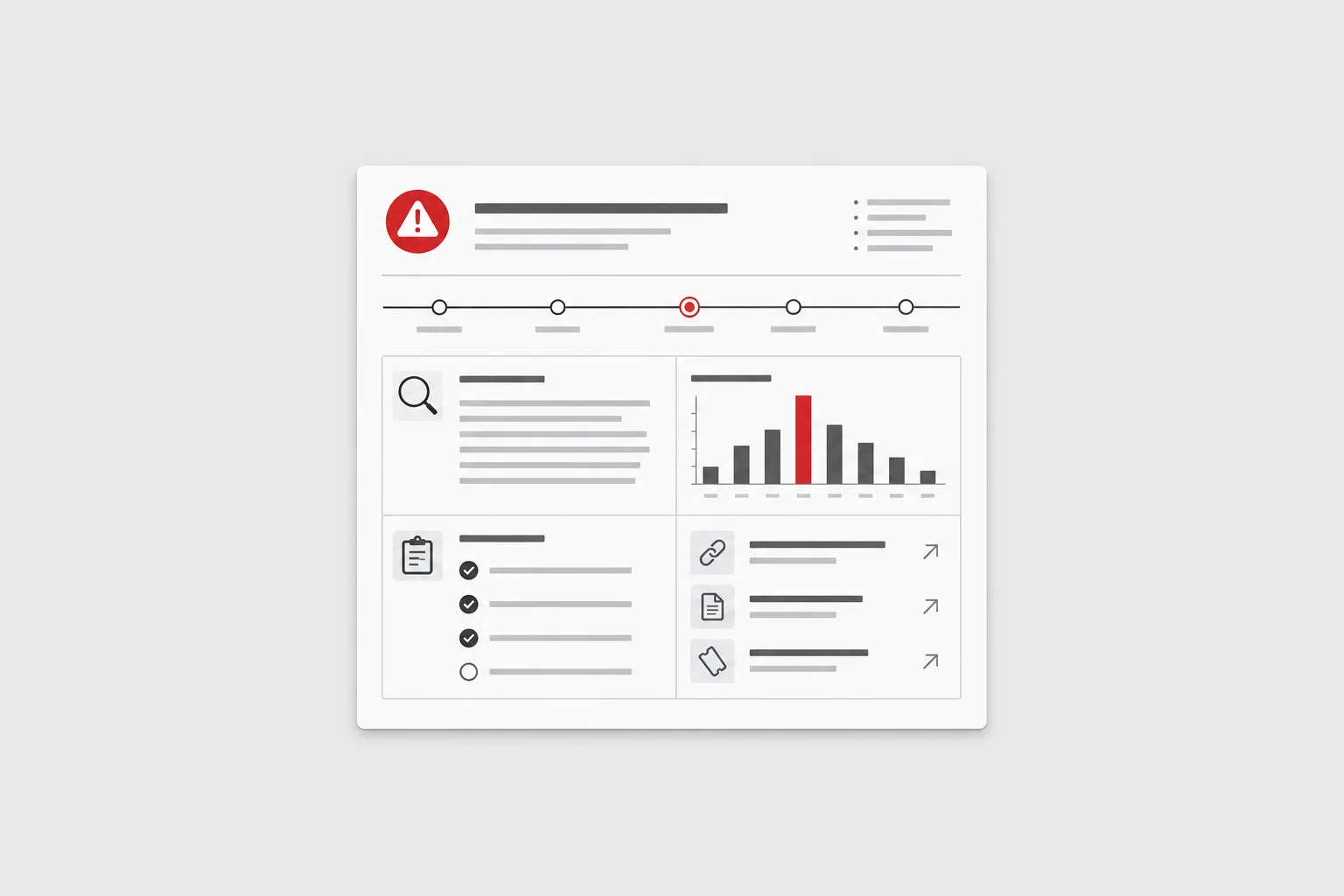
Convert incident channels, logs, runbooks, and tickets into a structured postmortem.
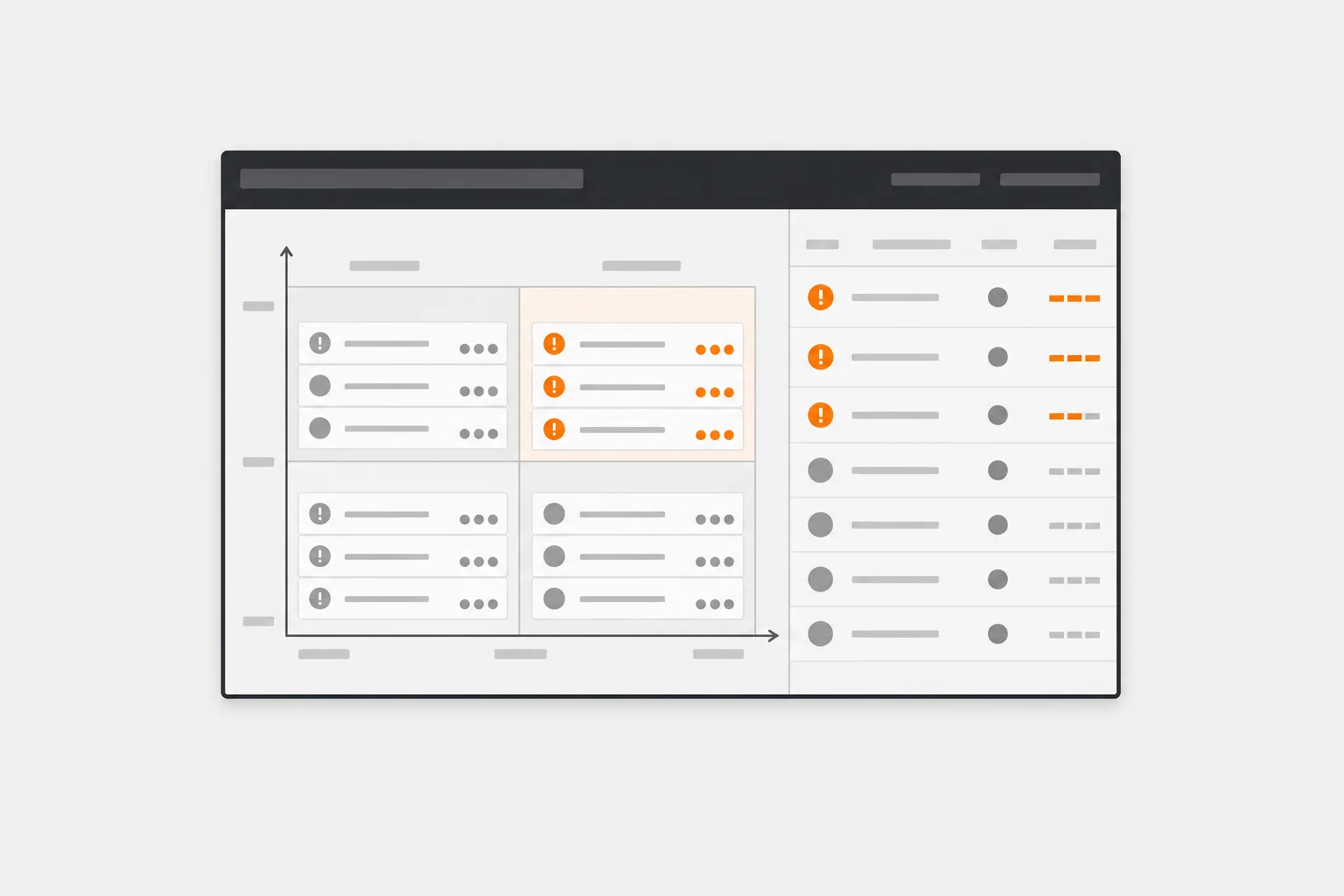
Group bugs by impact, customer, owner, and release risk using engineering and support context.
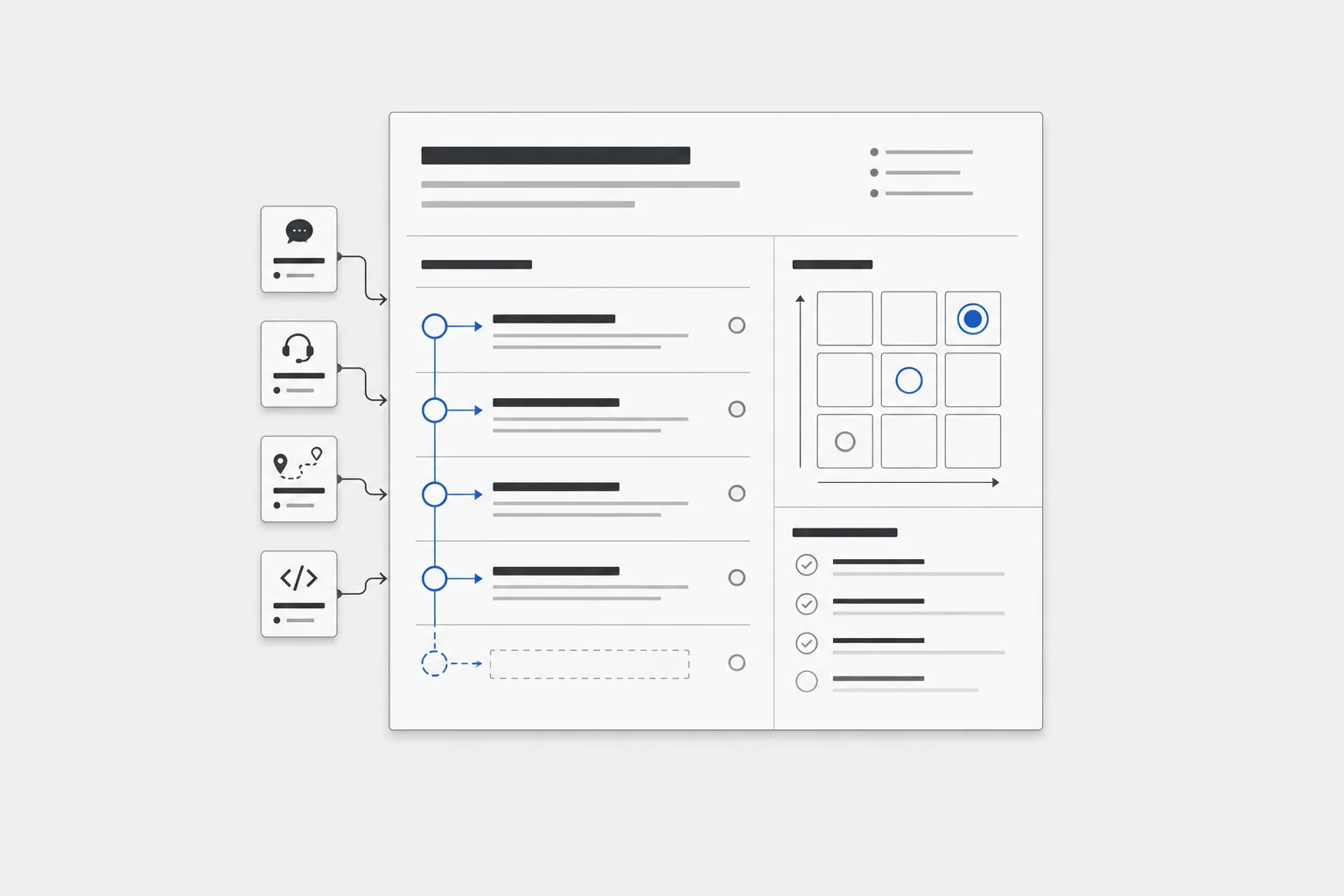
Draft requirements from customer calls, support pain, roadmap notes, and technical constraints.
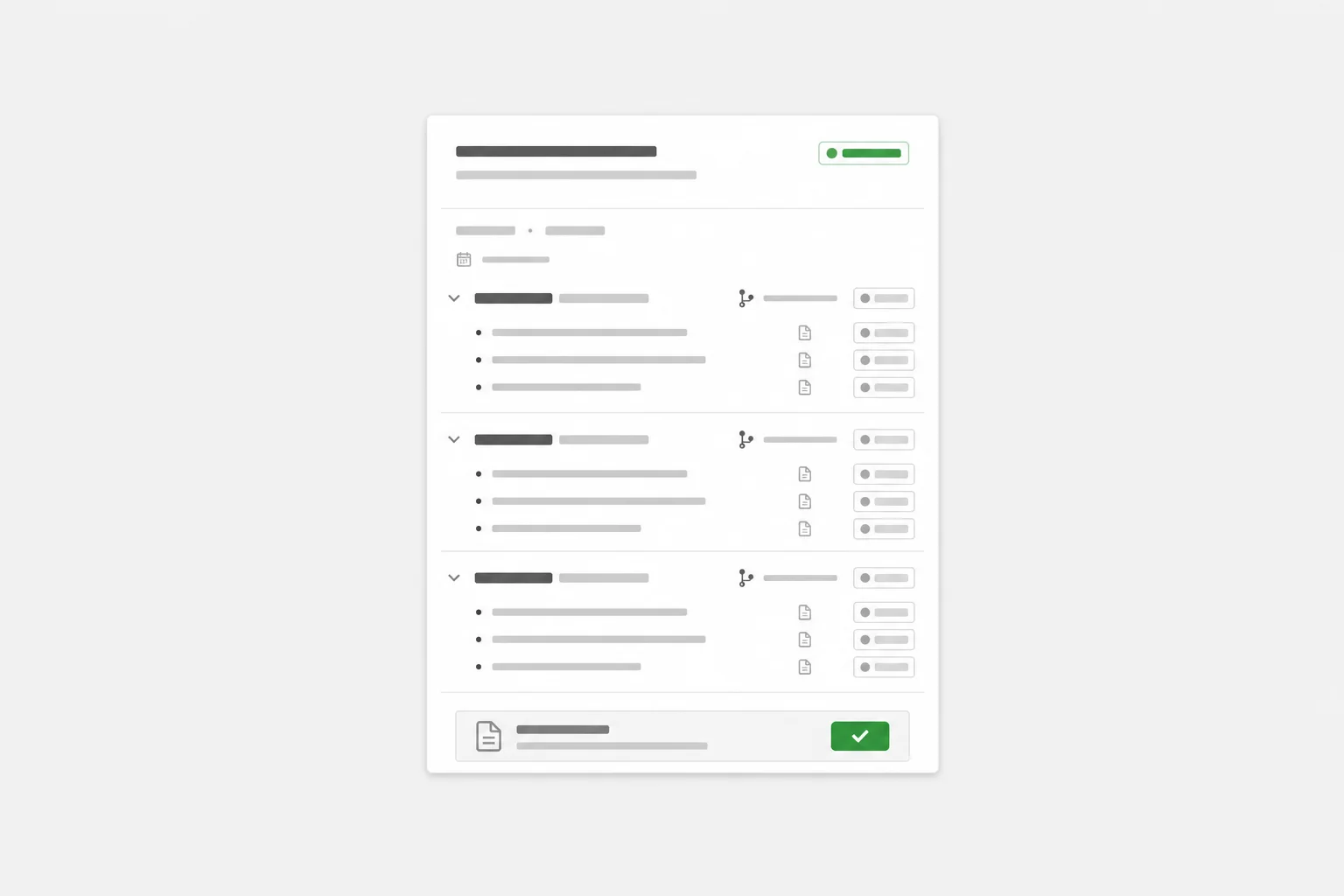
Transform merged pull requests, tickets, and product specs into clear release notes.
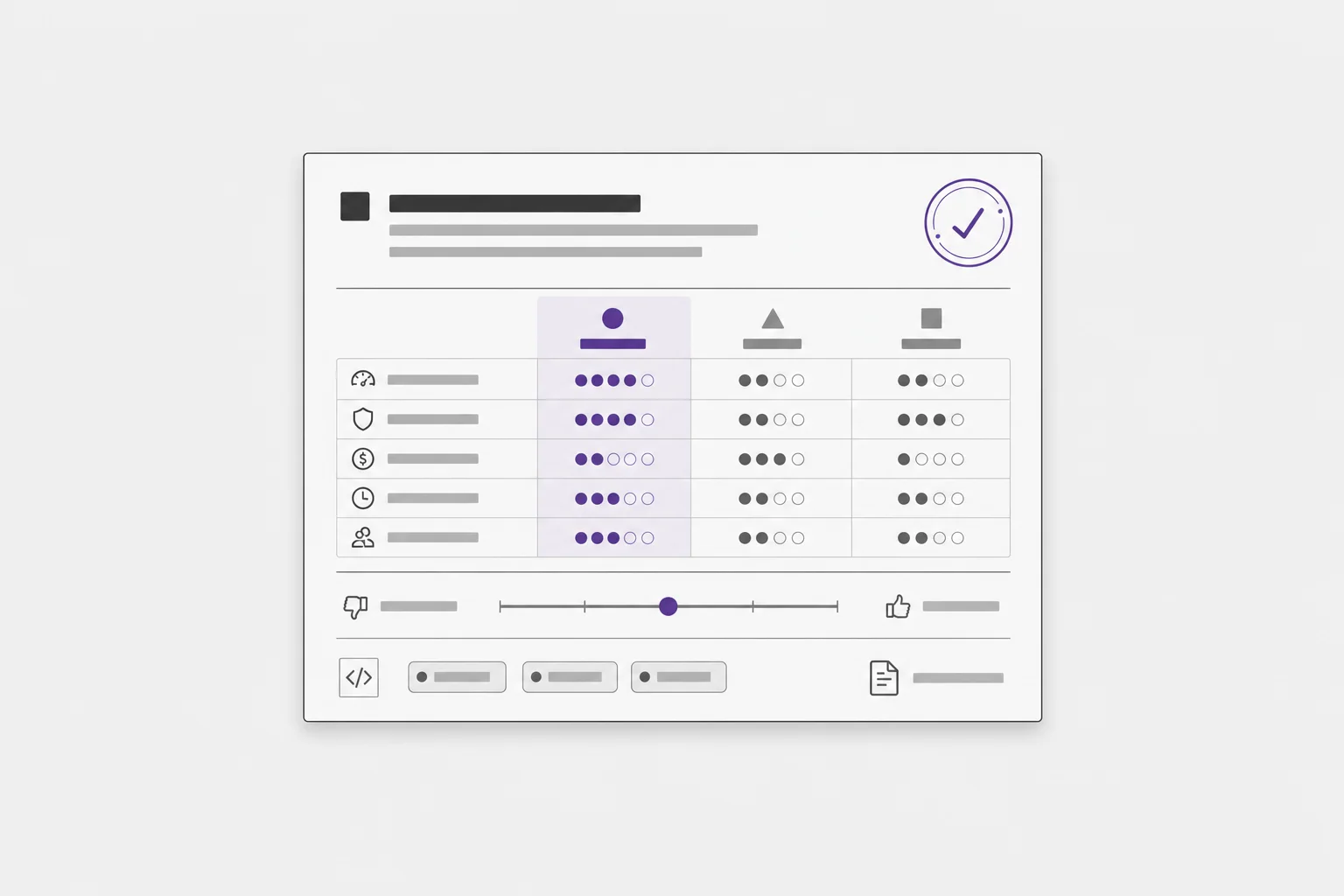
Turn design discussions, code references, and tradeoffs into a durable decision record.
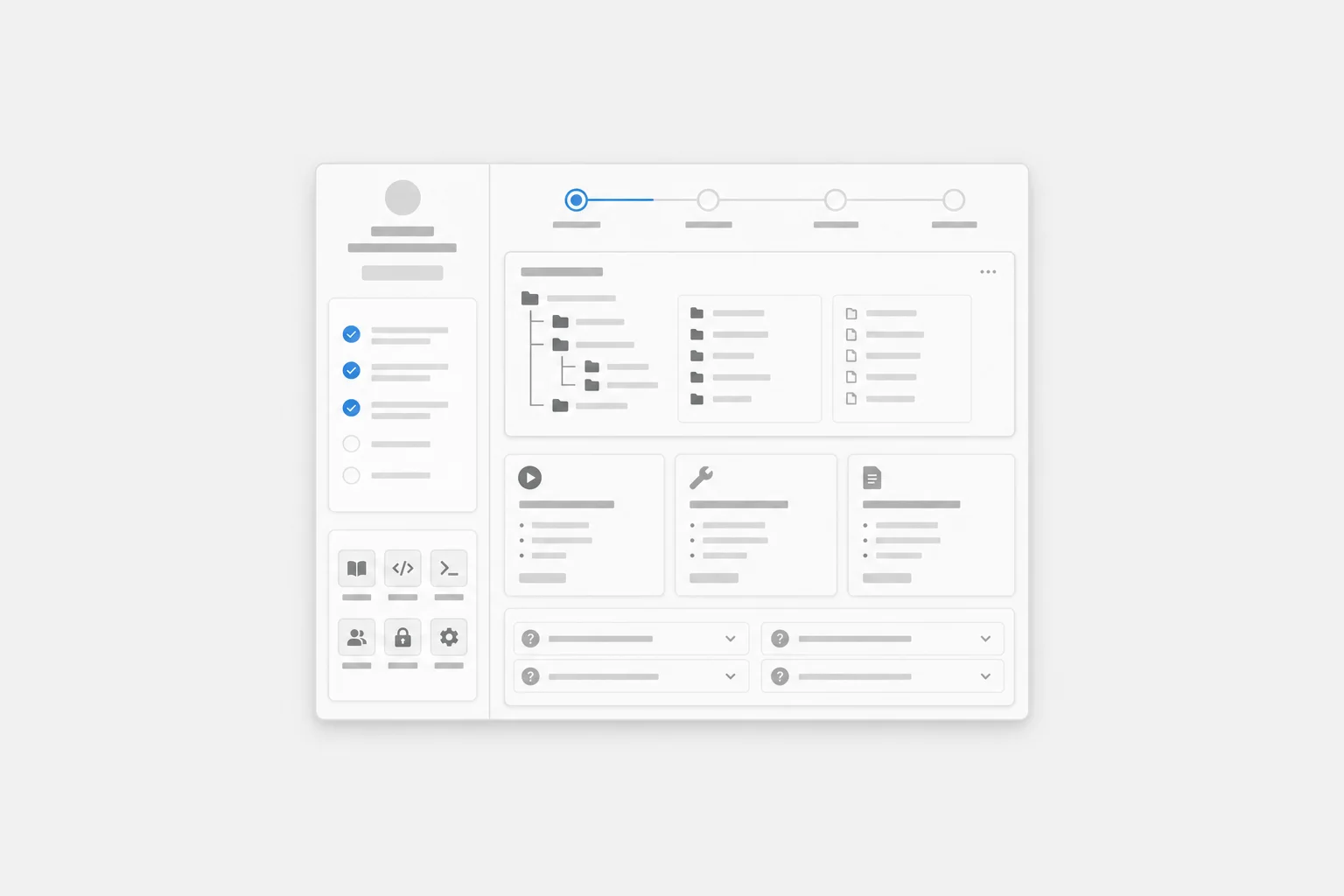
Generate a repo-specific guide from code, docs, runbooks, and recurring team questions.
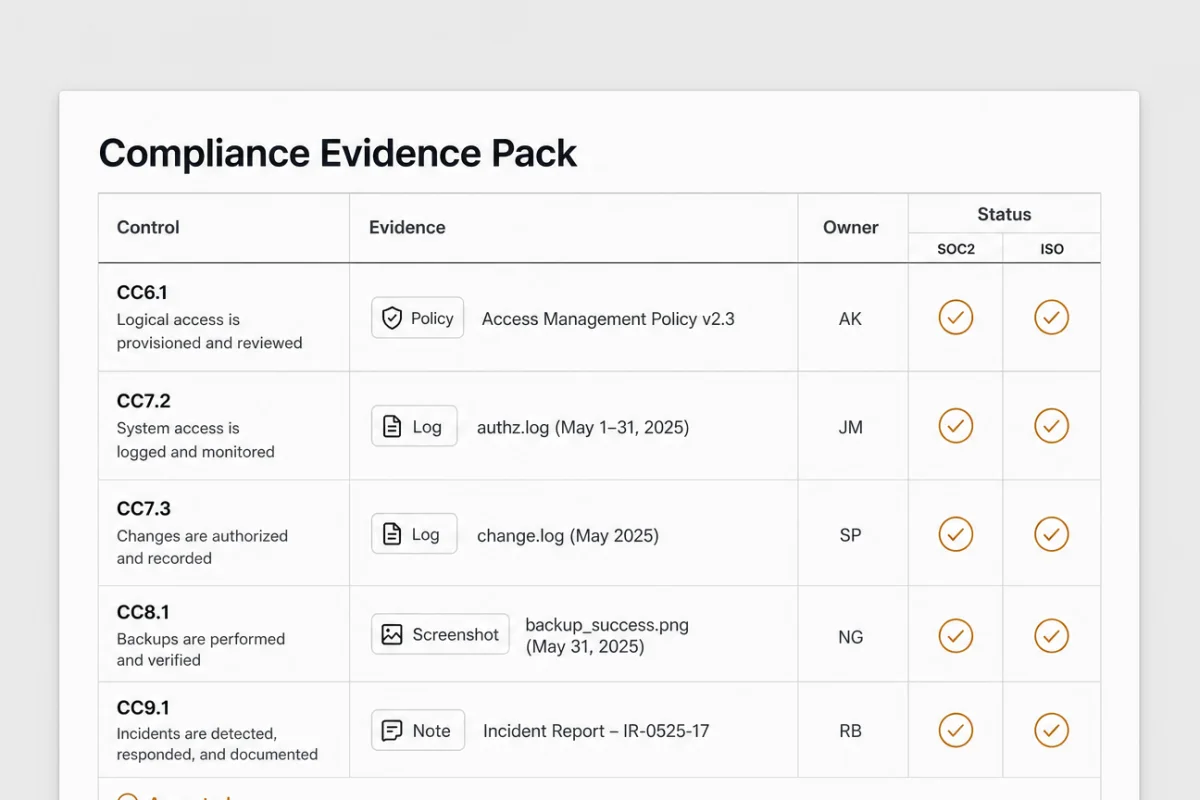
Map policies, logs, screenshots, and owner notes into a control-by-control evidence set.
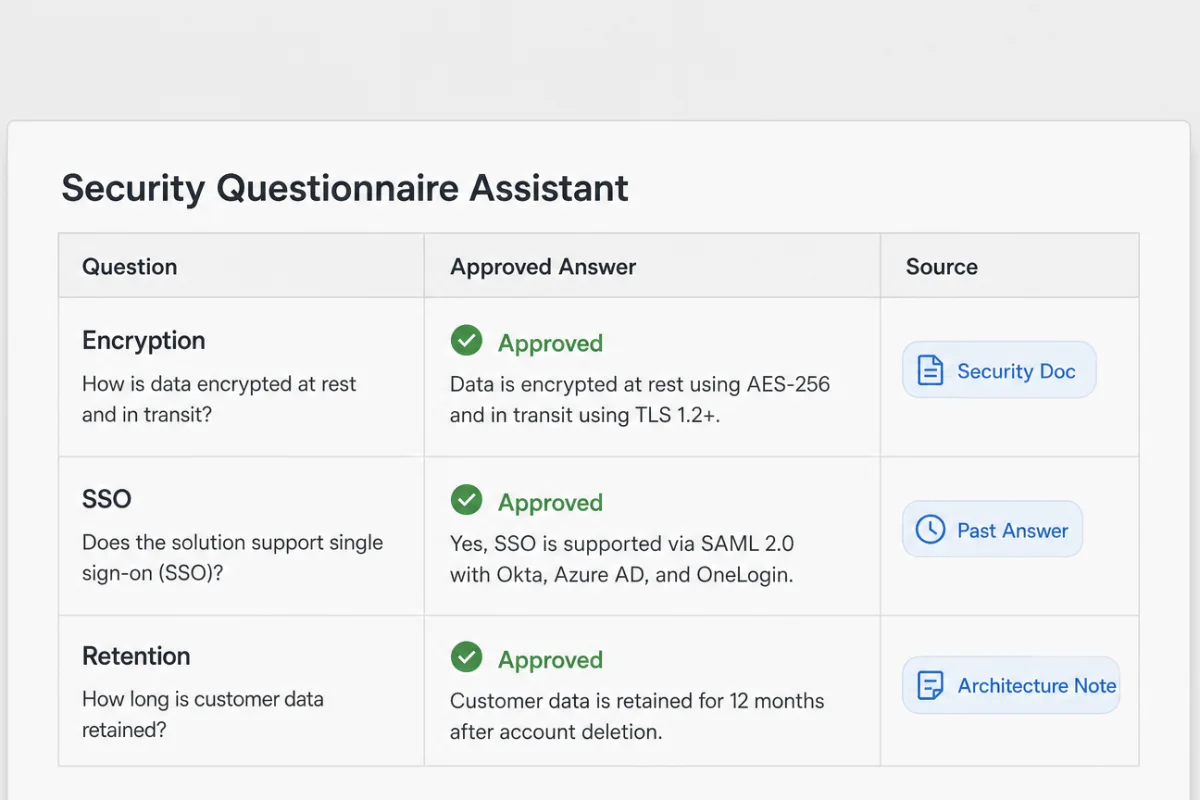
Draft responses using approved security docs, past answers, and current architecture notes.
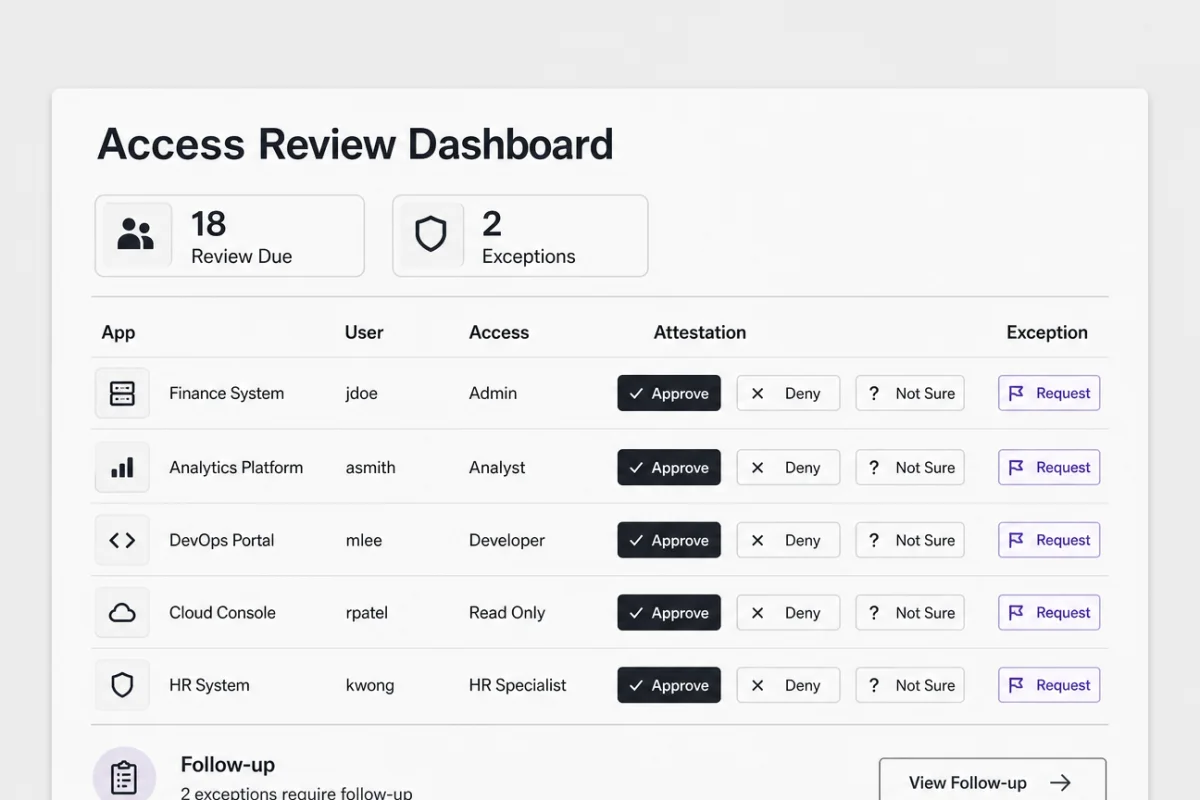
Build a reviewer view for application access, attestations, exceptions, and follow-up tasks.
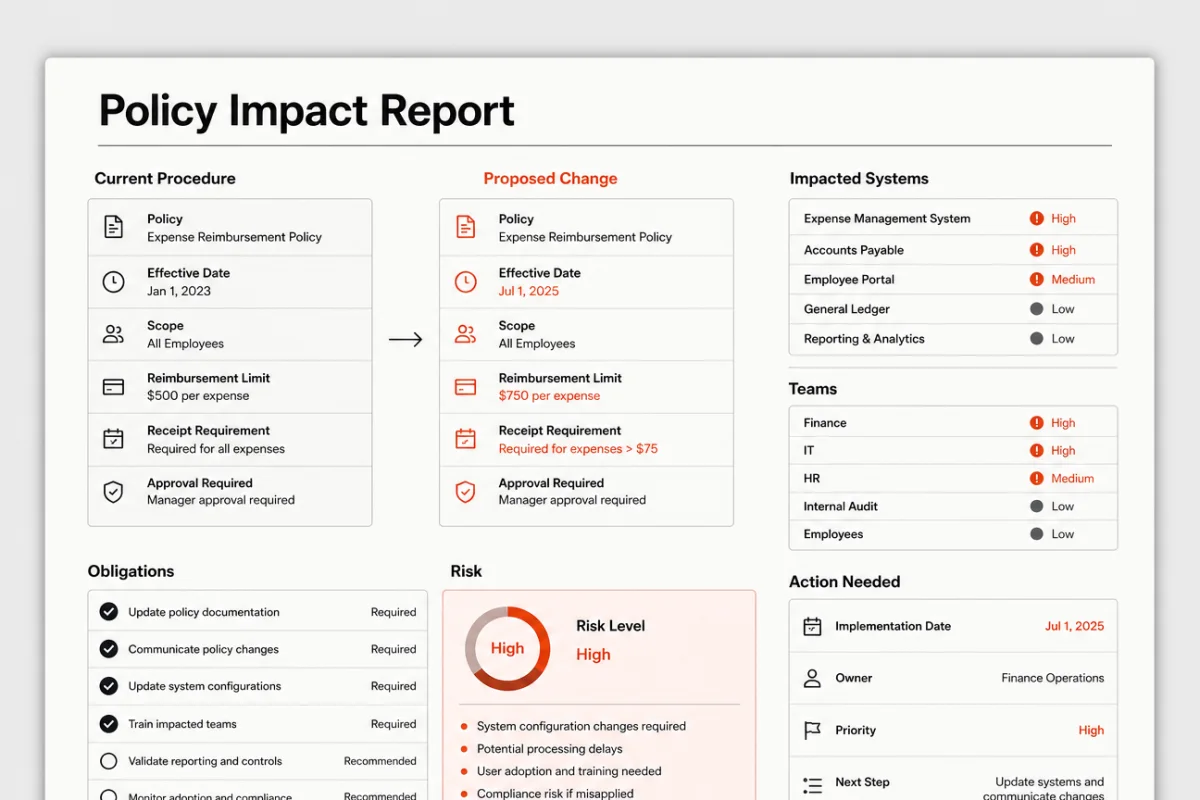
Compare proposed policy changes against current procedures, systems, and team obligations.
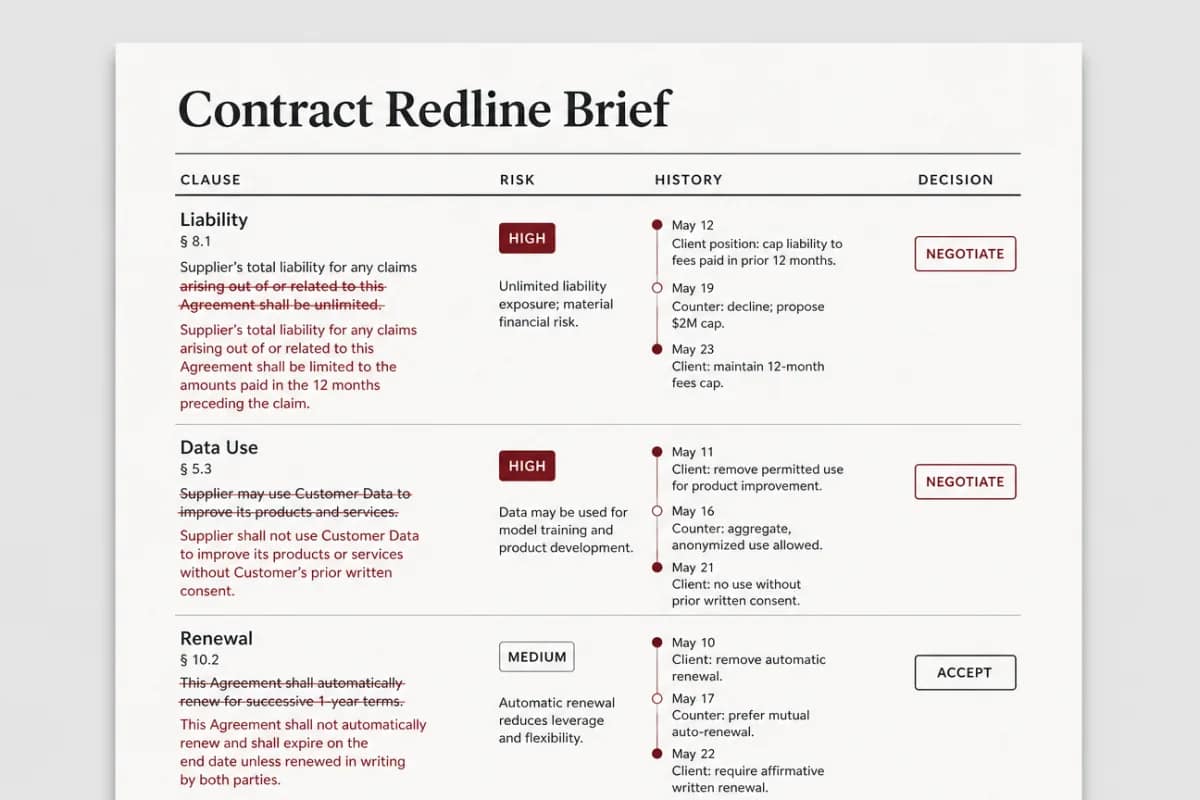
Summarize legal redlines, risk clauses, negotiation history, and business decisions.
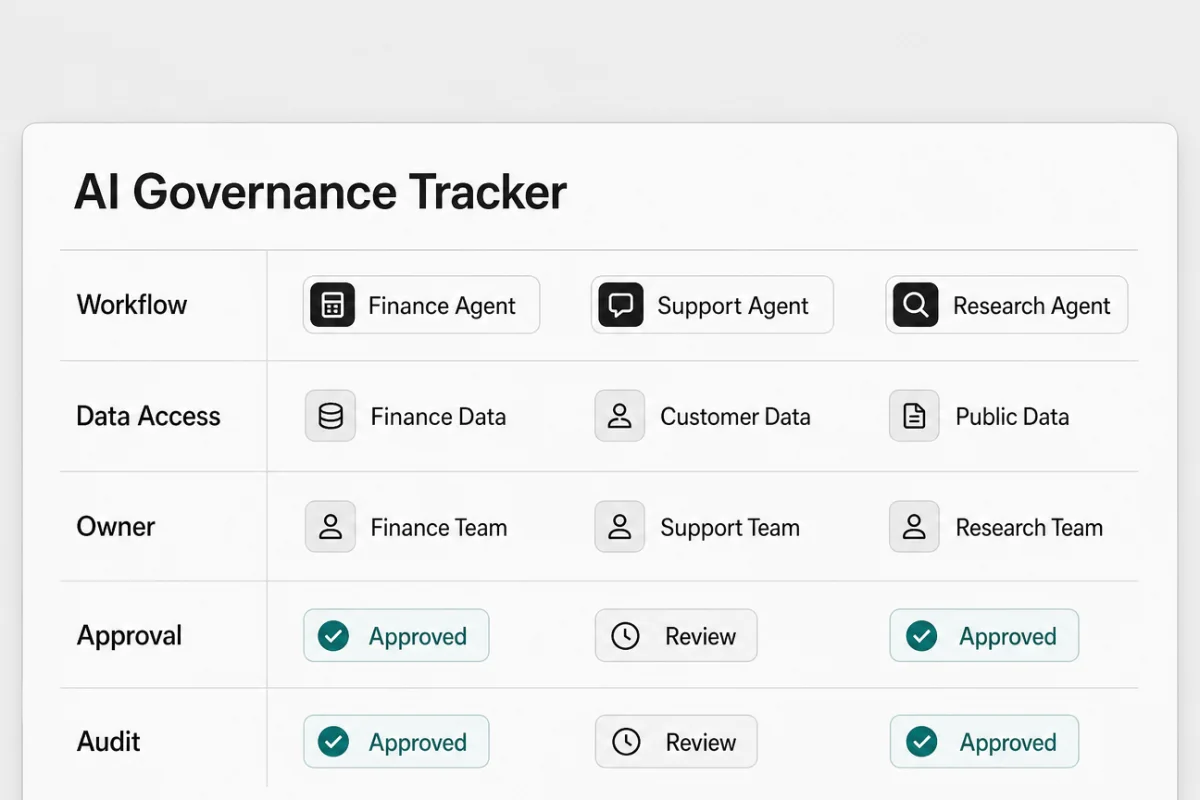
Inventory agent workflows, data access, approvals, owners, and audit status.
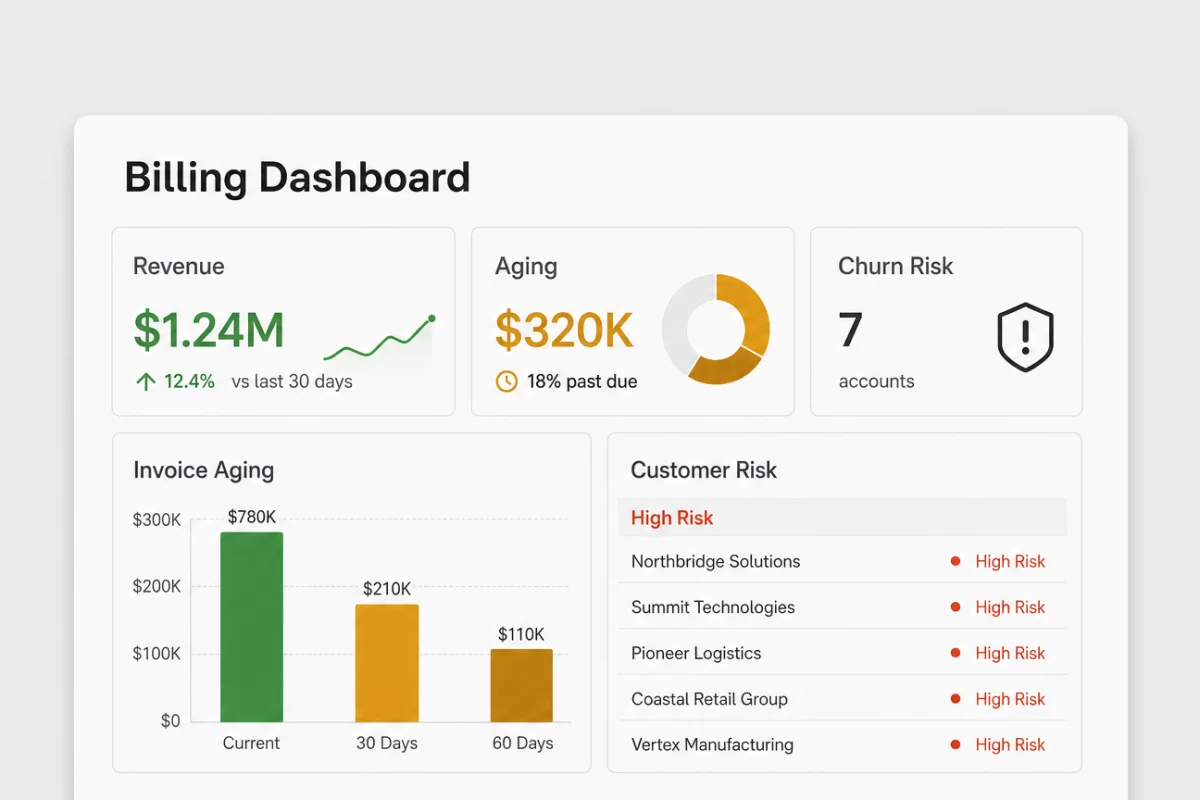
Turn invoice exports and CRM context into revenue, aging, and churn-risk views.
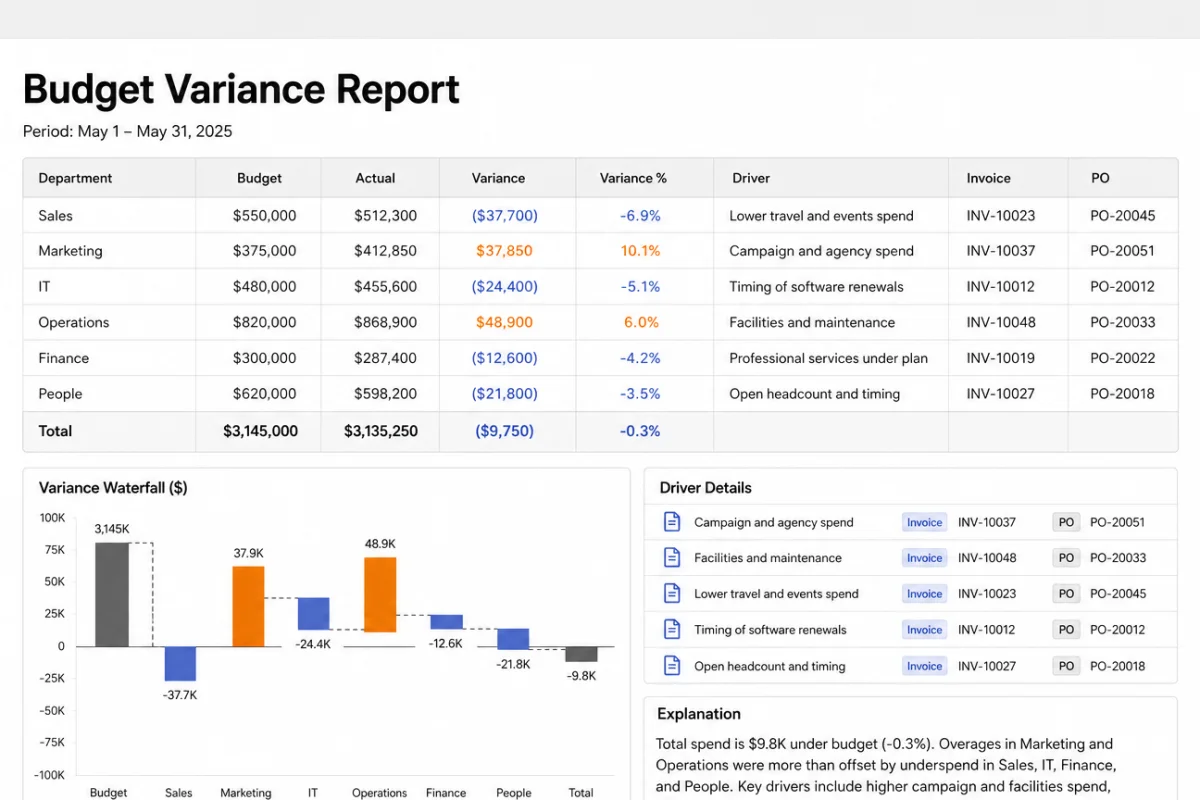
Explain variance using budgets, invoices, purchase orders, and department notes.
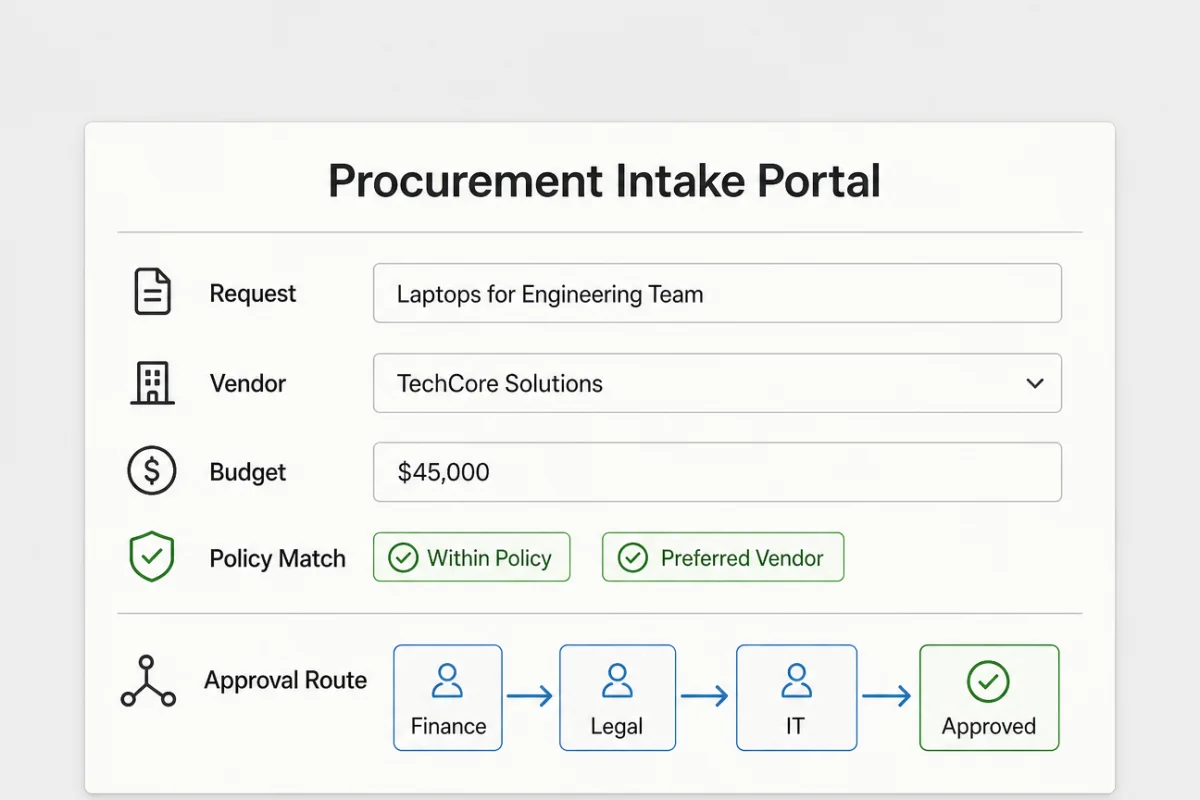
Route requests using policy, budget, vendor context, and approval requirements.
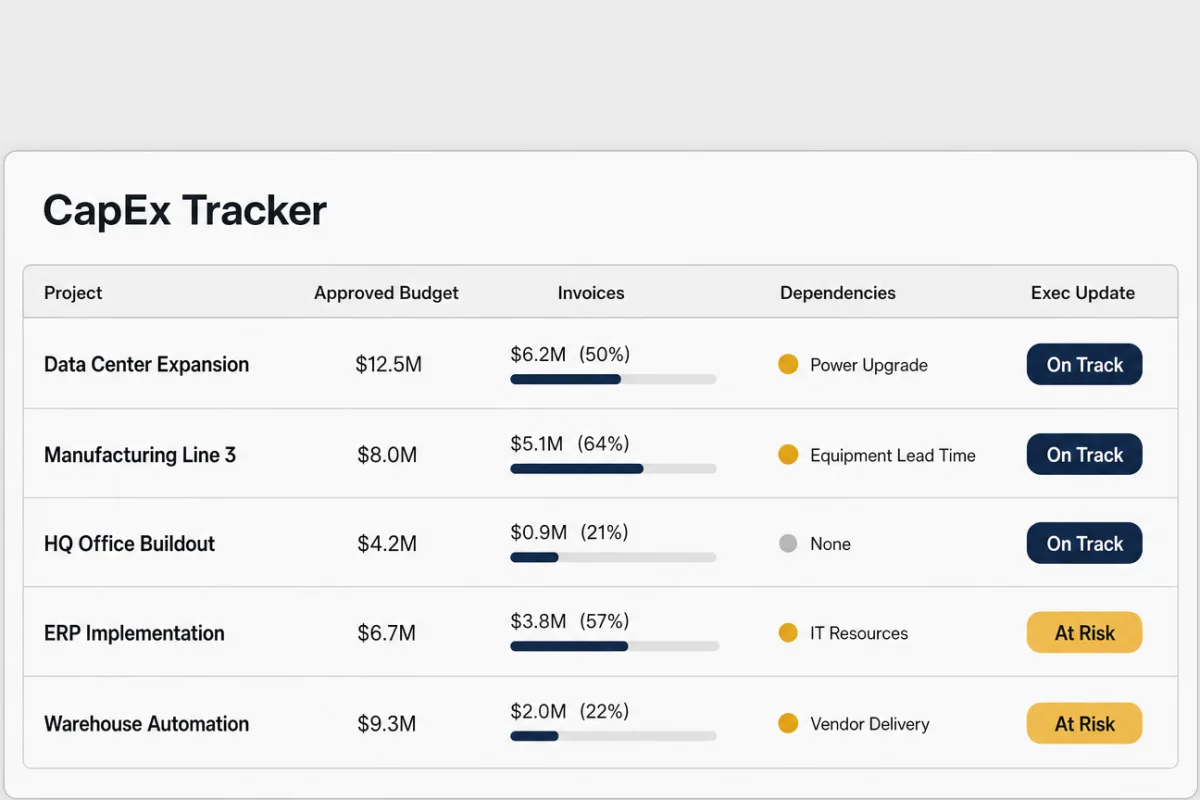
Track projects, approved budget, invoices, dependencies, and executive updates.
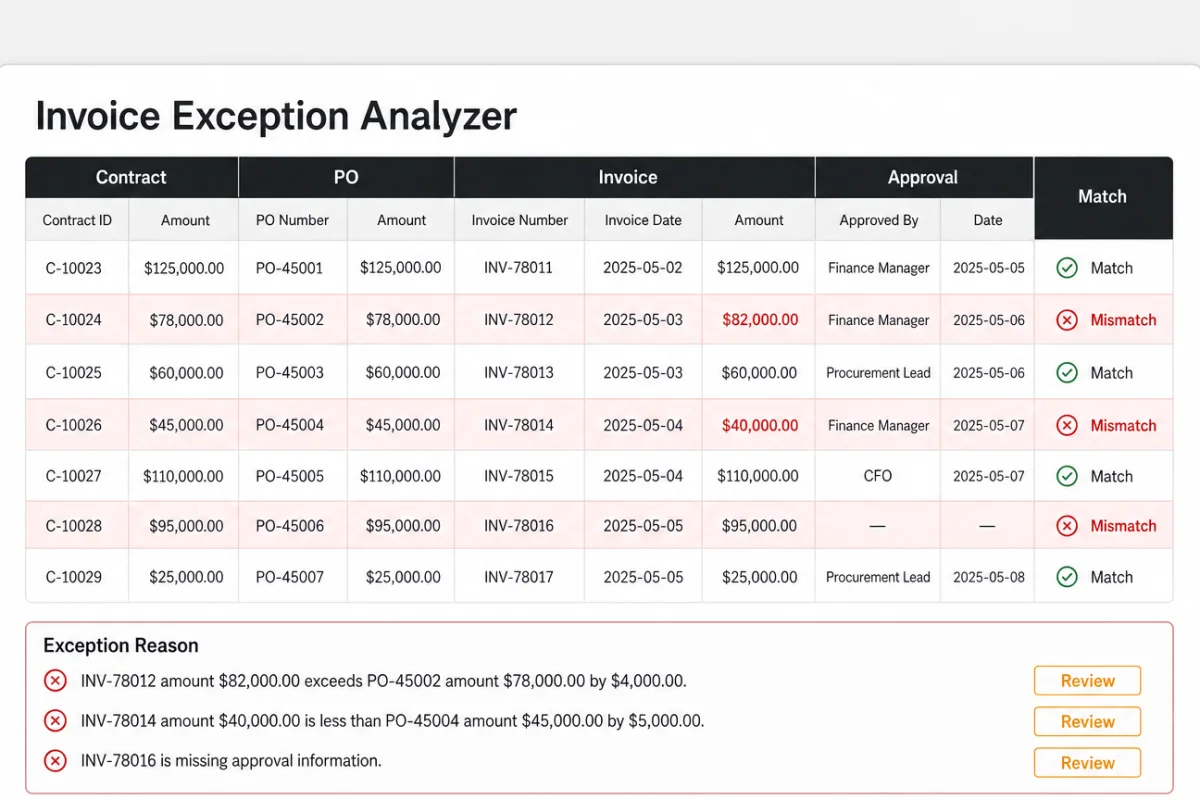
Find mismatches across contracts, purchase orders, invoices, and approval history.
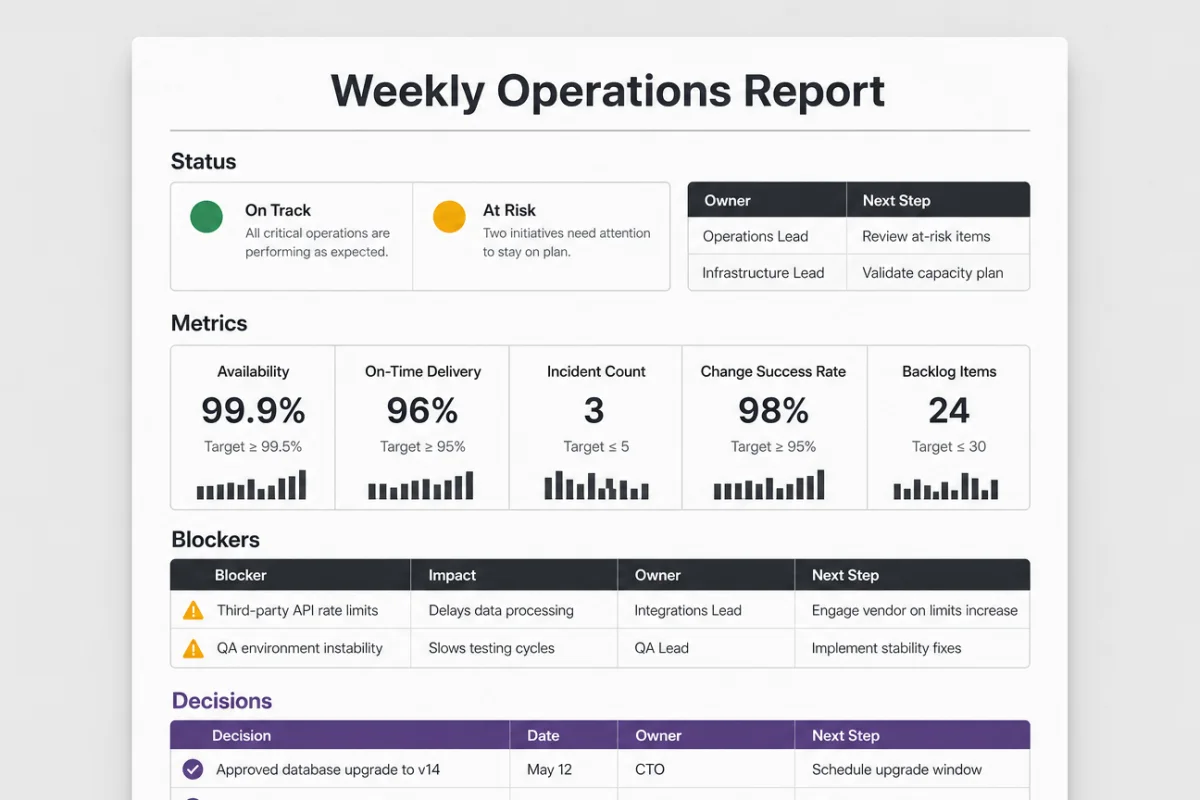
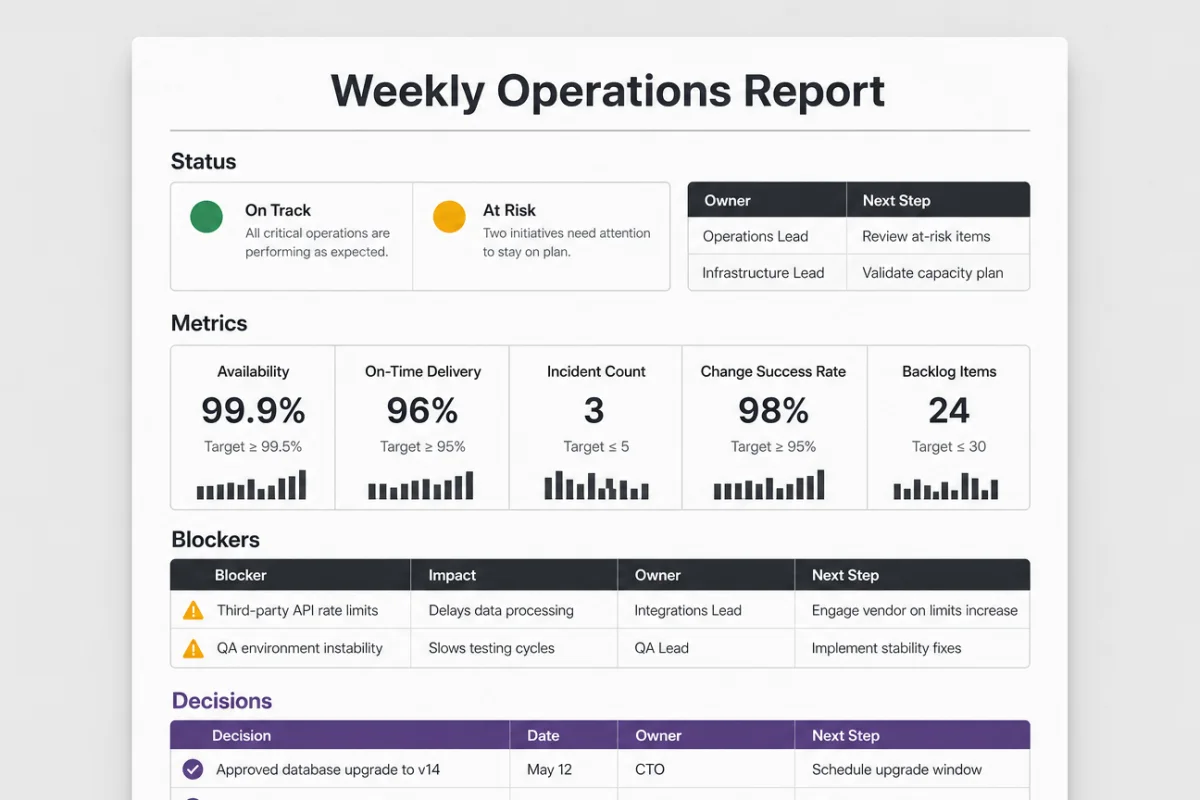
Compile status, blockers, metrics, and decisions from team updates and dashboards.
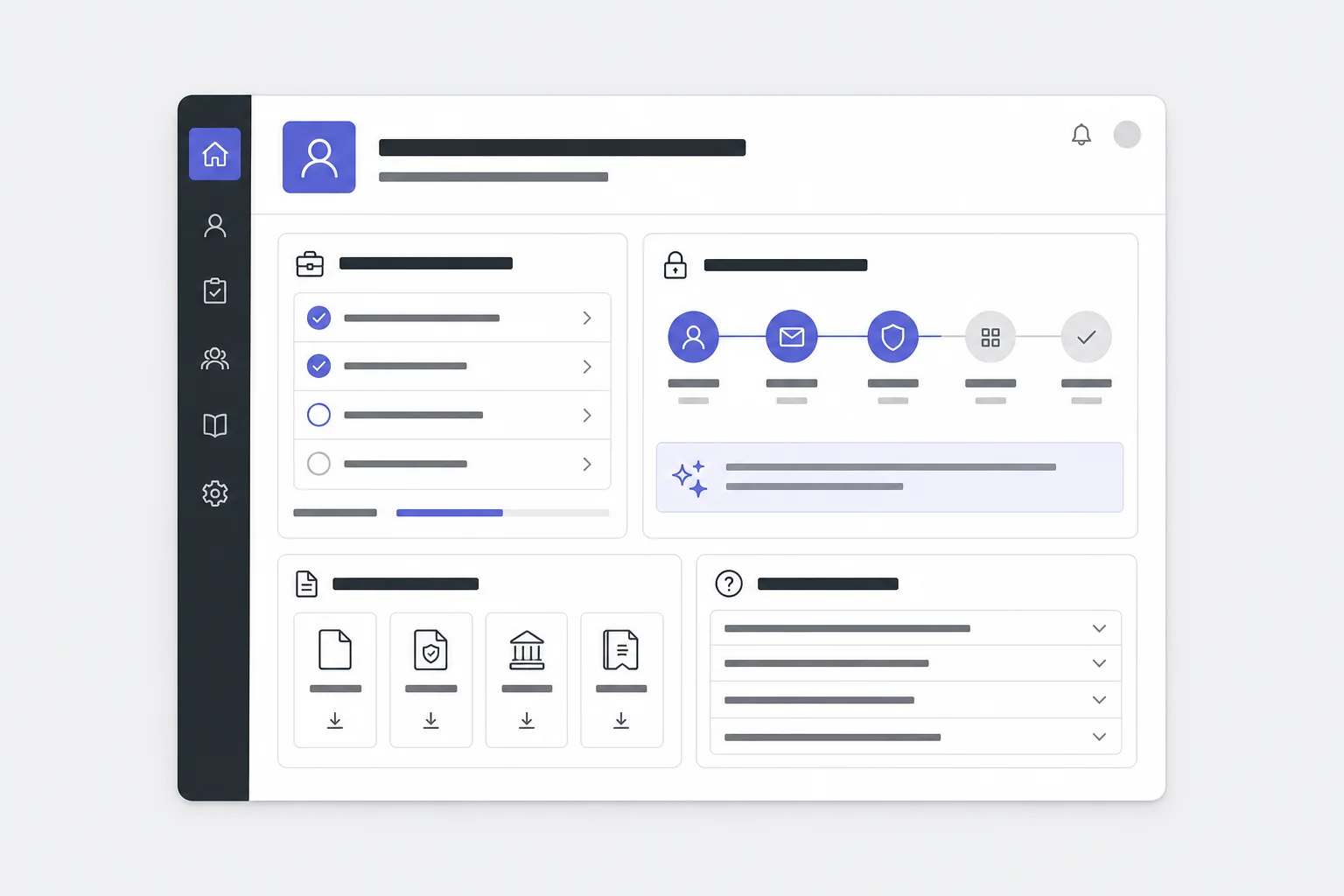
Create role-specific onboarding from HR docs, team guides, access steps, and FAQs.
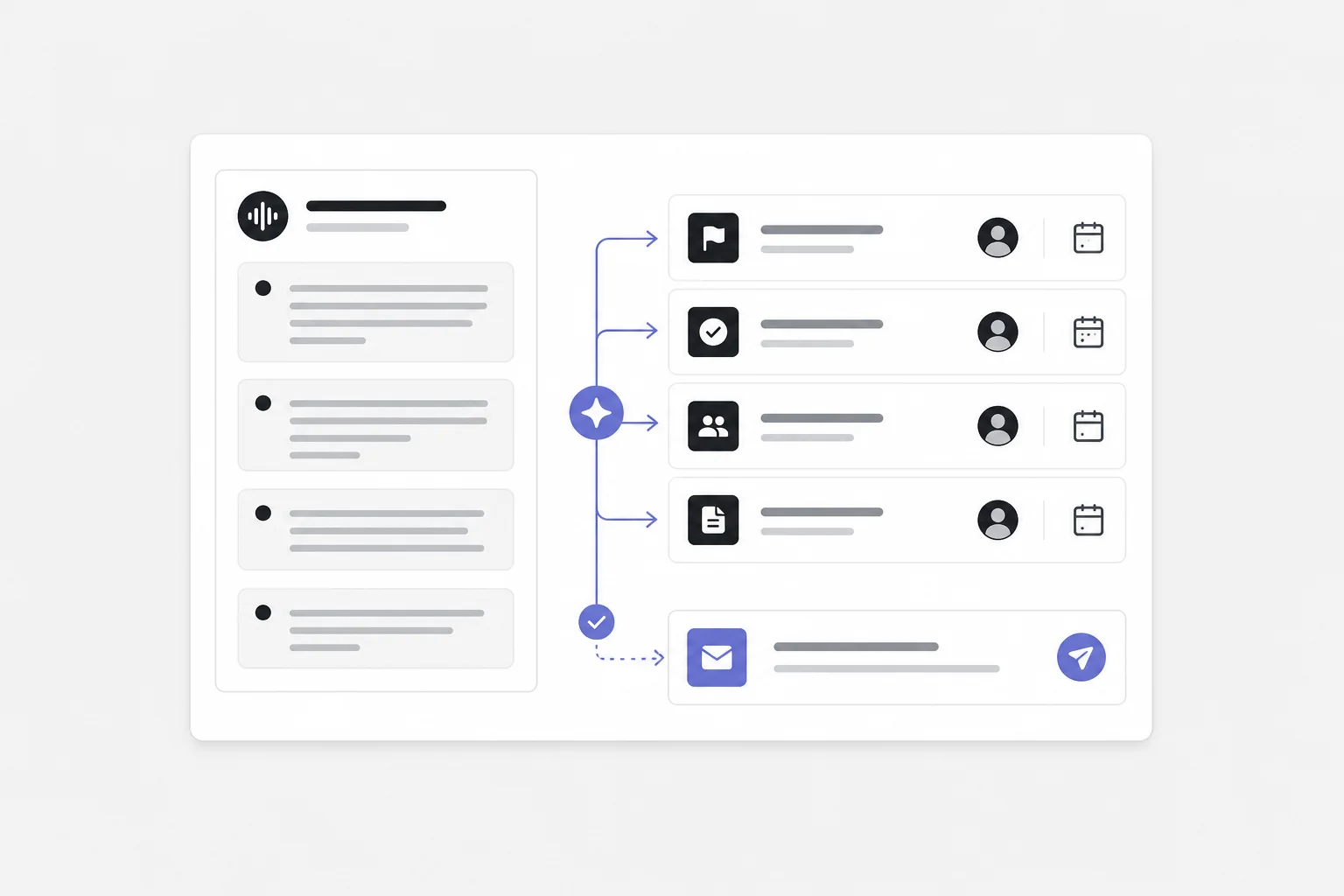
Convert transcripts into decisions, owners, due dates, and follow-up emails.
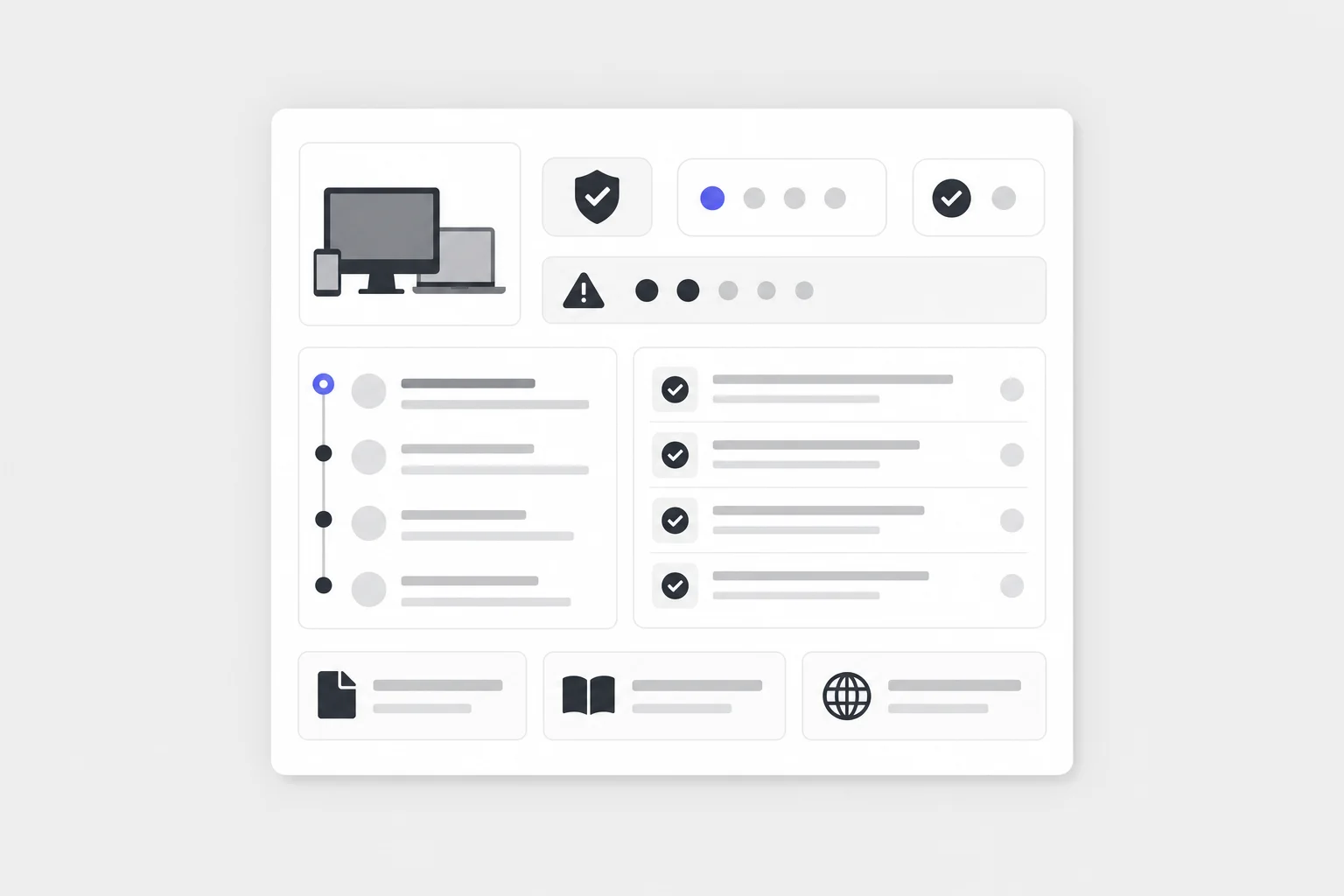
Draft support guidance using device policies, runbooks, known issues, and ticket history.
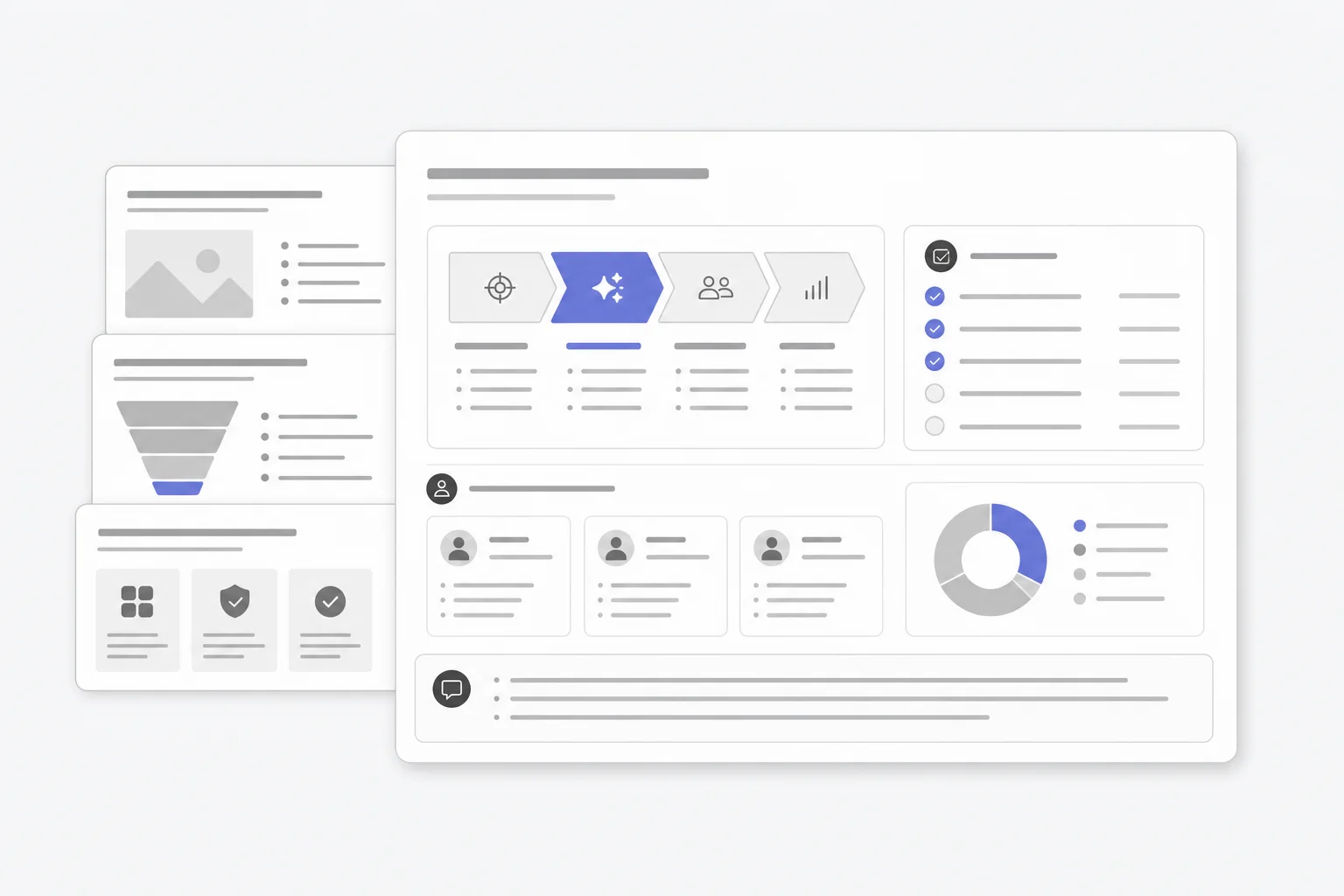
Turn process docs and role requirements into a clear training deck with exercises.
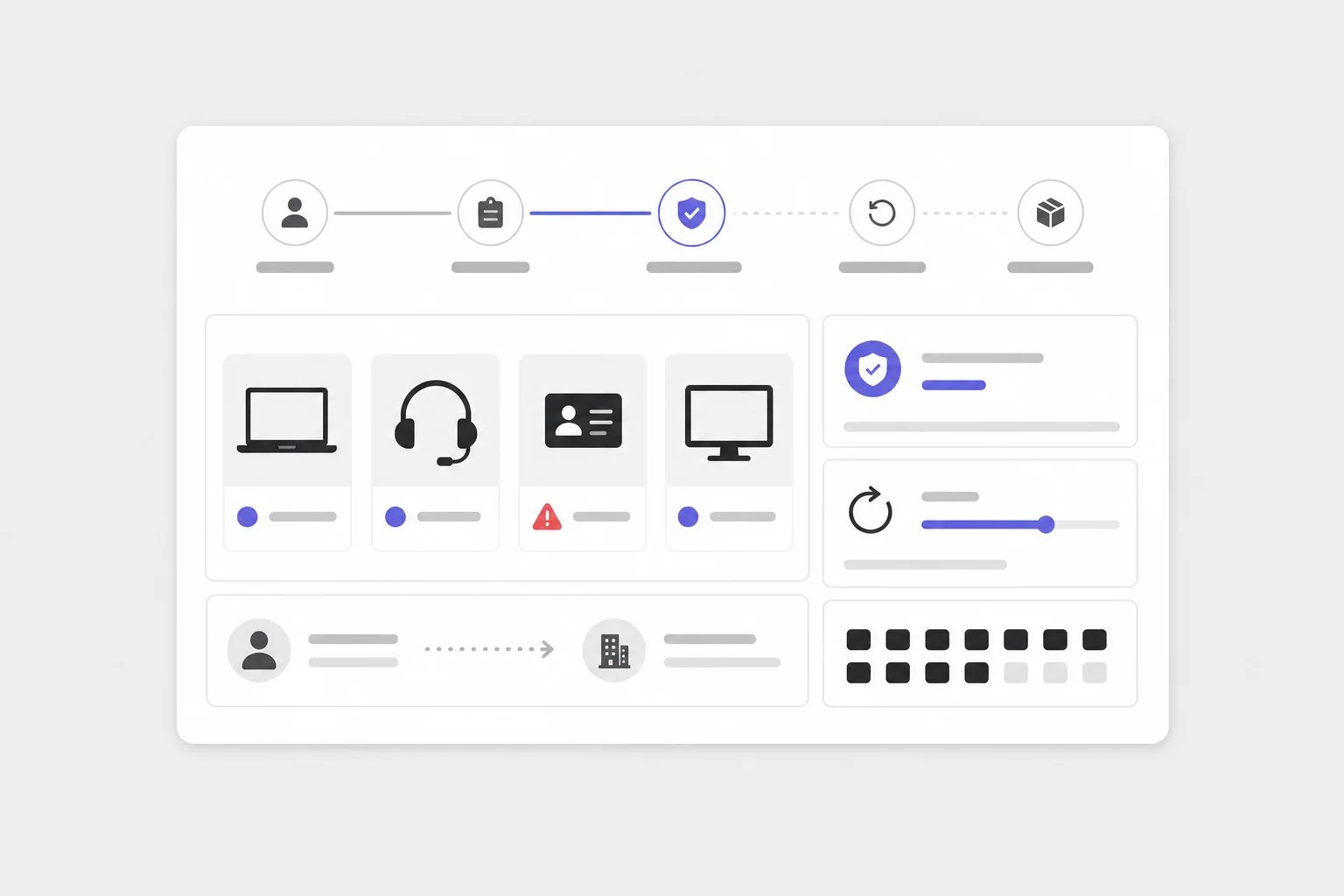
Build an asset workflow for assignments, approvals, returns, and missing-item follow-up.
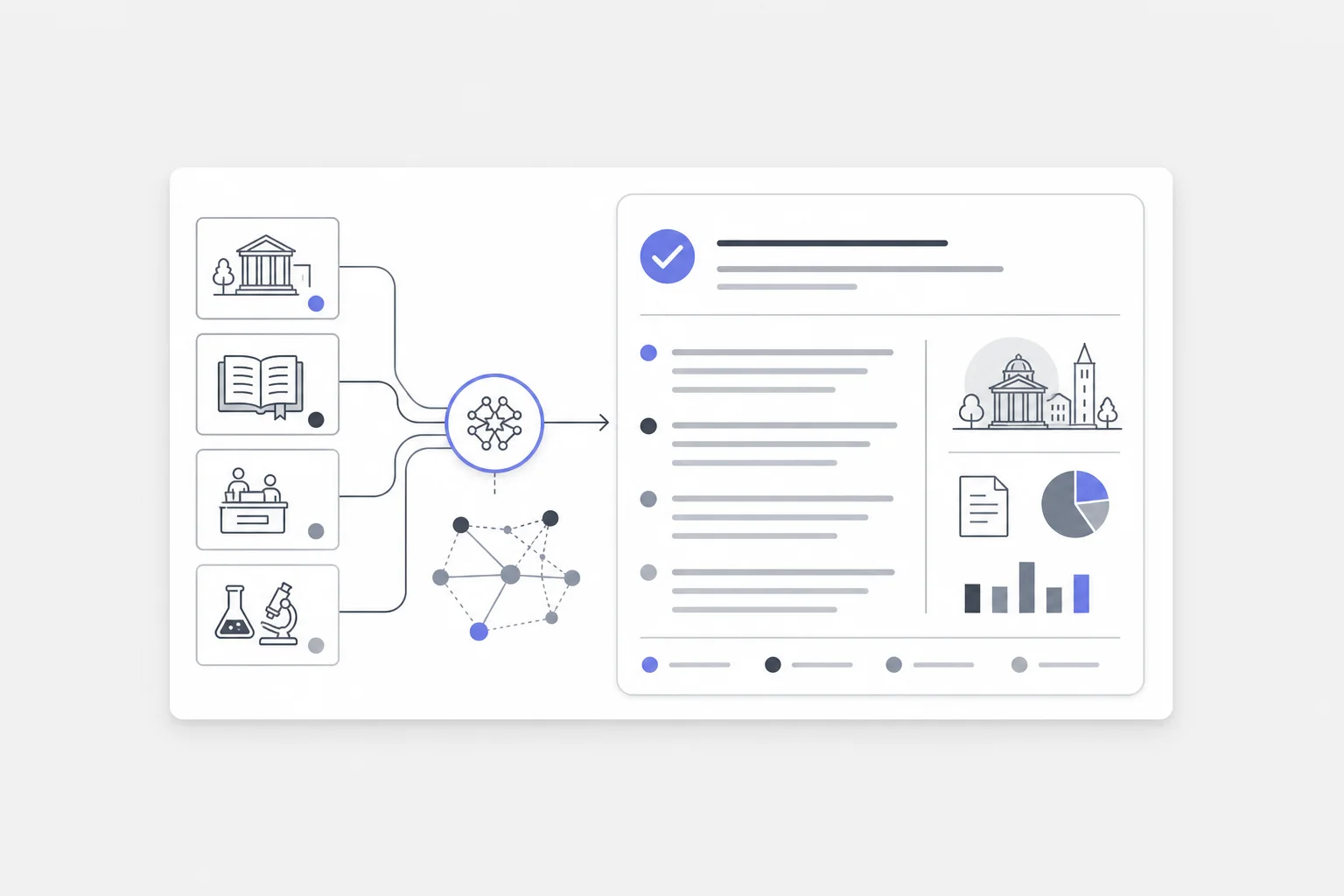
Connect course, policy, service, and research knowledge into a cited self-service workspace.
Connect the tools your teams use, keep source permissions intact, and give Craft a real outcome to work toward.